
What Should You Do When Your Business Data Doesn’t Match Your New ERP?
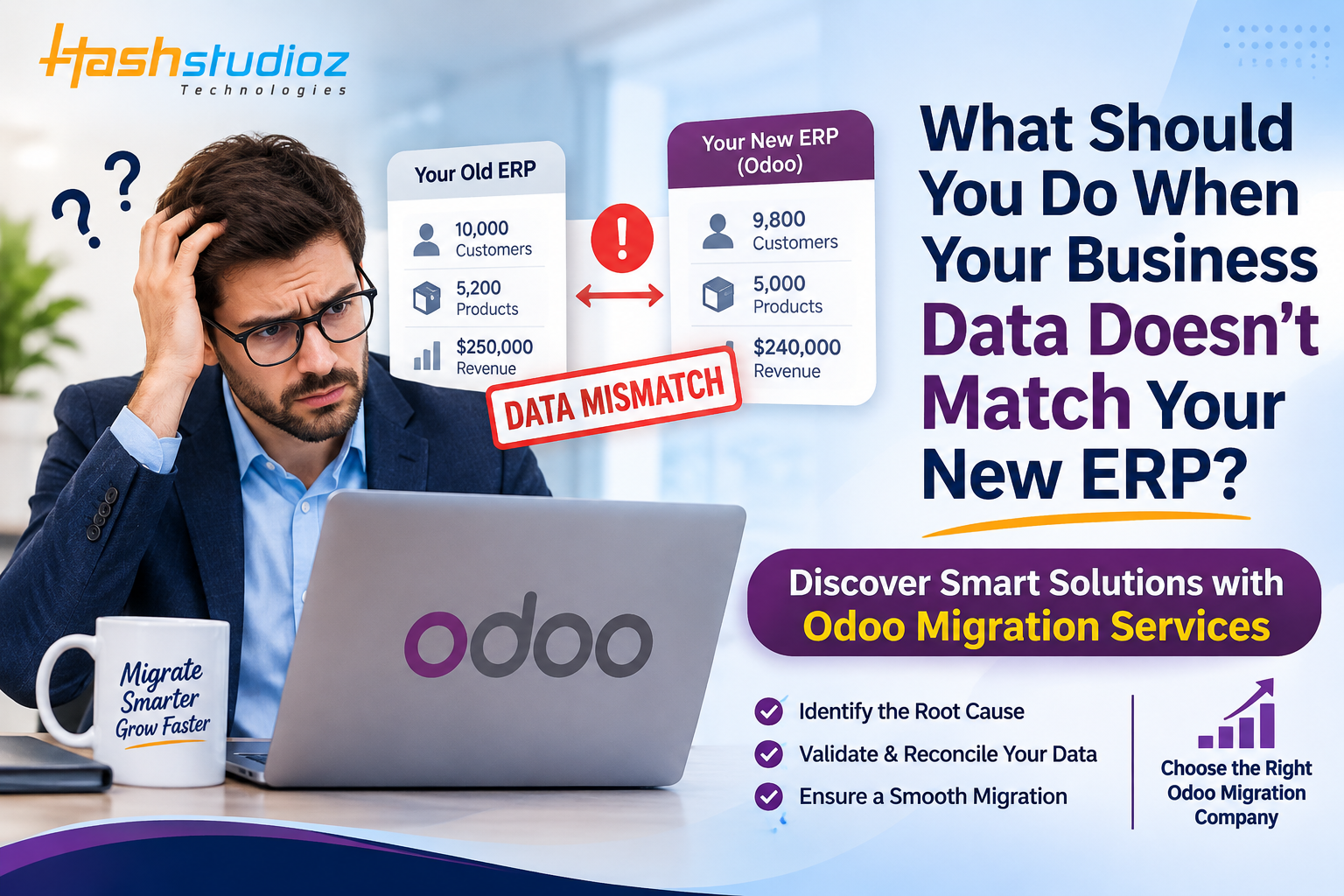
Migrating to a new ERP system is an important step toward improving business operations, automating workflows, and managing information more efficiently. However, the transition does not always go as smoothly as expected. One of the most common challenges businesses face after ERP migration is discovering that their existing business data does not match the information displayed in the new system.
Imagine moving your business operations to a new ERP platform and finding that customer records are missing, inventory quantities are incorrect, financial reports show different figures, or supplier information appears duplicated. These problems can affect daily operations, create confusion between departments, and lead to inaccurate business decisions.
So, what should you do when your business data doesn’t match your new ERP?
The first step is to identify the root cause of the discrepancies instead of making random changes. Businesses should carefully review their data, validate migration processes, check field mappings, and reconcile important records before relying entirely on the new system.
This is where professional Odoo Migration Services can make a difference. With proper planning, data validation, and technical expertise, businesses can move their information into Odoo while maintaining data accuracy and operational continuity.
Why Does Business Data Become Inconsistent After ERP Migration?
ERP migration involves transferring information from an existing system into a new platform. This information may include customer details, supplier records, financial transactions, inventory information, employee data, and historical business records.
However, different ERP platforms may use different database structures, field formats, configurations, and business processes. As a result, information that works correctly in the previous system may not automatically match the structure of the new ERP.
Let's understand the common reasons behind these discrepancies.
Incorrect Data Mapping
Data mapping determines how information from the old ERP system corresponds to fields in the new platform. If the mapping is incorrect, important details may appear in the wrong fields or fail to transfer properly.
For example, your previous ERP system may store customer contact information in a single field, while the new system separates mobile numbers and telephone numbers. Without proper mapping, some contact details may become incomplete.
Duplicate or Inconsistent Records
Many businesses have duplicate customer profiles, outdated supplier details, and inconsistent product information in their existing databases.
If these records are migrated without proper cleaning, the new ERP may contain multiple entries for the same customer or product.
For example, a customer named ABC Technologies may appear twice with different customer IDs. After migration, both profiles may be imported, creating confusion for the sales and accounting teams.
Different ERP Configurations
Your new ERP system may use different accounting methods, tax settings, inventory valuation rules, or business workflows.
Even if the original data is transferred correctly, differences in system configurations can produce different financial reports or inventory calculations.
Missing Historical Information
Some businesses migrate only active records, while others transfer years of historical transactions.
If migration requirements are not clearly defined, important information such as previous invoices, payment records, credit notes, or purchase histories may be excluded.
Data Transformation Errors
Data transformation converts existing information into a format supported by the new ERP system.
Incorrect date formats, currency conversions, product units, or financial classifications can create discrepancies during this process.
For example, if your previous system tracks inventory in boxes while the new ERP records individual units, an incorrect conversion ratio may result in inaccurate stock quantities.
What Should You Do When Your Business Data Doesn't Match Your New ERP?
When you discover data inconsistencies after migration, avoid making immediate manual corrections without understanding the underlying problem. A structured reconciliation process helps identify errors and resolve them without creating additional complications.
Step 1: Identify and Categorize Data Discrepancies
Start by identifying which business records are affected and where the differences appear.
Review important data categories, including:
-
Customer and supplier information.
-
Product details and inventory quantities.
-
Financial statements and accounting balances.
-
Sales orders and purchase transactions.
-
Employee and payroll information.
-
Tax records and payment details.
Create a discrepancy report containing the original value, migrated value, affected record, possible reason, and correction status.
This helps your team understand the scale of the problem and prioritize critical issues.
Step 2: Compare Data Between Your Old and New ERP Systems
After identifying the discrepancies, compare the source information with the corresponding records in the new ERP.
Do not rely only on individual record checks. Review complete datasets and important business totals.
For example, compare customer counts, inventory quantities, outstanding invoices, supplier balances, and financial transactions.
Finance teams should review accounting records, while inventory managers should validate product quantities and warehouse information.
This comparison helps identify whether the problem occurred during data extraction, transformation, mapping, or importing.
Step 3: Review Your Data Mapping Configuration
Data mapping plays an important role in successful ERP migration.
Check whether all source fields have been correctly assigned to their corresponding fields in the new system.
Pay particular attention to:
-
Customer and supplier identification numbers.
-
Product categories and SKUs.
-
Accounting codes and tax classifications.
-
Units of measurement.
-
Date and currency formats.
-
Relationships between customers, invoices, and transactions.
For example, if your old ERP uses the product code PRD-101 and your new ERP generates a different internal identifier, ensure that the original product reference remains traceable where necessary.
Correcting the mapping logic is generally more effective than repeatedly editing individual records.
Step 4: Clean Duplicate and Inaccurate Records
Data migration is also an opportunity to improve database quality.
Before performing another migration, review your records and remove unnecessary duplicates, correct incomplete information, and standardize inconsistent formats.
Focus on duplicate customer profiles, incorrect product descriptions, outdated contact information, invalid tax codes, and incomplete supplier details.
However, do not delete records simply because they appear duplicated. Review their transaction history and financial relationships before merging or removing anything.
Always maintain backups and document approved corrections.
Step 5: Reconcile Financial and Inventory Information
Financial and inventory discrepancies require special attention because they directly influence business operations and decision-making.
For financial reconciliation, compare opening balances, general ledger accounts, outstanding invoices, accounts payable, accounts receivable, tax records, and payment transactions.
For inventory reconciliation, review available stock, reserved quantities, warehouse locations, product valuation, and incoming and outgoing stock movements.
Practical Example:
Suppose your previous ERP shows 1,200 units of a product, but your new ERP displays only 1,050 units.
Instead of manually increasing the quantity, investigate whether 150 units were excluded, assigned to another warehouse, converted incorrectly, or already reserved.
Identifying the actual reason helps prevent further inventory discrepancies.
Step 6: Perform a Test Migration
Once the identified issues have been corrected, perform another migration in a testing or staging environment.
A test migration allows your team to confirm that the corrections work without affecting live business operations.
During testing, verify that all required records have been transferred, financial and inventory totals are accurate, customer and supplier relationships are maintained, and important workflows function correctly.
Review migration logs to identify failed imports or incomplete records.
Repeat the testing process until the migration meets the agreed accuracy and business requirements.
Step 7: Get Approval From Different Departments
Data validation should not be limited to the IT team.
Different departments understand how their information is used in daily operations. Their involvement helps confirm that migrated information is accurate and useful.
For example, finance teams should approve financial balances, sales teams should verify customer information, inventory managers should validate stock quantities, and purchase teams should review supplier records.
Obtaining approval from relevant stakeholders helps businesses establish confidence in their new ERP environment.
How Can Odoo Migration Services Help Resolve Data Inconsistencies?
Migrating business information into Odoo requires careful planning, technical knowledge, and an understanding of business processes.
Professional Odoo Migration Services help organizations manage the transition through data assessment, cleaning, mapping, transformation, testing, and post-migration validation.
Instead of simply transferring existing records, an effective migration process focuses on maintaining data accuracy and ensuring that important business information remains accessible.
Data Assessment and Migration Planning
Before migration begins, specialists evaluate your existing ERP system, database structure, business requirements, and data quality.
This helps identify which information needs to be migrated, which records require cleaning, what historical information should be retained, and which customizations or integrations need attention.
Accurate Data Mapping and Transformation
Odoo uses its own data models and structures to manage different business operations.
Migration specialists map existing customer records, supplier information, products, invoices, accounting entries, and inventory information to the appropriate Odoo fields.
They also establish transformation rules to ensure that the migrated information follows the requirements of the new environment.
Data Cleaning and Duplicate Management
An experienced migration team can help identify duplicate records, incomplete fields, inconsistent formats, and outdated information before importing it into Odoo.
This creates a cleaner database and reduces the possibility of transferring existing data problems into the new system.
Custom Migration Scripts and Integrations
Some businesses use customized ERP systems, third-party applications, and specialized workflows.
In these situations, standard import methods may not be sufficient.
Migration specialists can develop custom scripts, use supported APIs, and configure integrations to transfer information while maintaining important business relationships.
Testing and Post-Migration Validation
After migration, specialists can compare source and destination datasets, investigate errors, and validate important business workflows.
This may include checking financial balances, inventory quantities, customer information, supplier details, and transaction records.
A structured validation process helps businesses establish a reliable Odoo environment.
How Can You Prevent Data Mismatches During Future ERP Migrations?
Resolving existing inconsistencies is important, but preventing them from happening again is even more valuable.
Businesses should establish a structured migration strategy that includes data governance, documentation, testing, and continuous monitoring.
Here are some practical recommendations:
Maintain a Clean Source Database: Regularly review duplicate records, incomplete information, and outdated business details before starting an ERP migration.
Define Migration Requirements Early: Decide which information needs to be transferred and which historical records can remain archived.
Document Data Mapping Rules: Maintain clear documentation of field mappings, data conversions, and customized business logic.
Assign Data Owners: Make department heads responsible for reviewing and approving their respective datasets.
Perform Multiple Test Migrations: Test the migration process using realistic datasets to identify problems before the final transfer.
Maintain Reliable Backups: Create and verify backups before performing major database changes.
Use Reconciliation Reports: Compare important financial, operational, and inventory information after every migration cycle.
Monitor Data After Go-Live: Regularly review reports, integrations, transactions, and employee feedback to identify emerging inconsistencies.
Following these practices helps businesses maintain better data quality and reduces the risk of migration-related problems.
Practical Example: Resolving Data Mismatches During an Odoo Migration
Consider a manufacturing company migrating from an outdated ERP system to Odoo.
After completing the initial migration, the company discovers several problems. Customer records have been duplicated, inventory quantities do not match, some supplier invoices are missing, product categories have been assigned incorrectly, and financial opening balances show different figures.
Instead of making manual changes immediately, the company follows a structured recovery process.
First, the team generates comparison reports to identify missing, duplicated, and incorrect records. Next, specialists review migration rules and correct field mapping issues.
The company then cleans its source data, performs another test migration, and verifies important business operations.
Finance, sales, inventory, and purchase teams review their respective information before approving the final migration.
As a result, the business establishes a more reliable Odoo database, improves reporting consistency, and reduces the risk of operational disruptions.
This example demonstrates why successful ERP migration requires more than transferring information. Every important dataset must be validated against actual business requirements.
Conclusion
When your business data doesn't match your new ERP, the first step is to identify the underlying problem rather than immediately changing records. Incorrect mapping, duplicate information, incomplete historical records, and configuration differences can all contribute to migration discrepancies.
A structured approach involving data assessment, cleaning, mapping, reconciliation, testing, and stakeholder approval can help businesses resolve these issues effectively.
With professional Odoo Migration Services, organizations can transfer their business information into Odoo while maintaining data integrity and supporting essential operations.
Choosing an experienced Odoo Migration Company also helps businesses manage complex migration requirements, address technical challenges, and establish a reliable ERP environment for long-term growth.
Remember, a successful ERP migration isn't just about moving your business data. It's about making sure the information you rely on every day remains accurate, accessible, and useful.

 English
 Arabic
 French
 Spanish
 Portuguese
 Deutsch
 Turkish
 Dutch
 Russian
 Romaian
 Portuguese (Brazil)
 Greek