
Why Is Managing Inventory Becoming Difficult as Your Business Grows
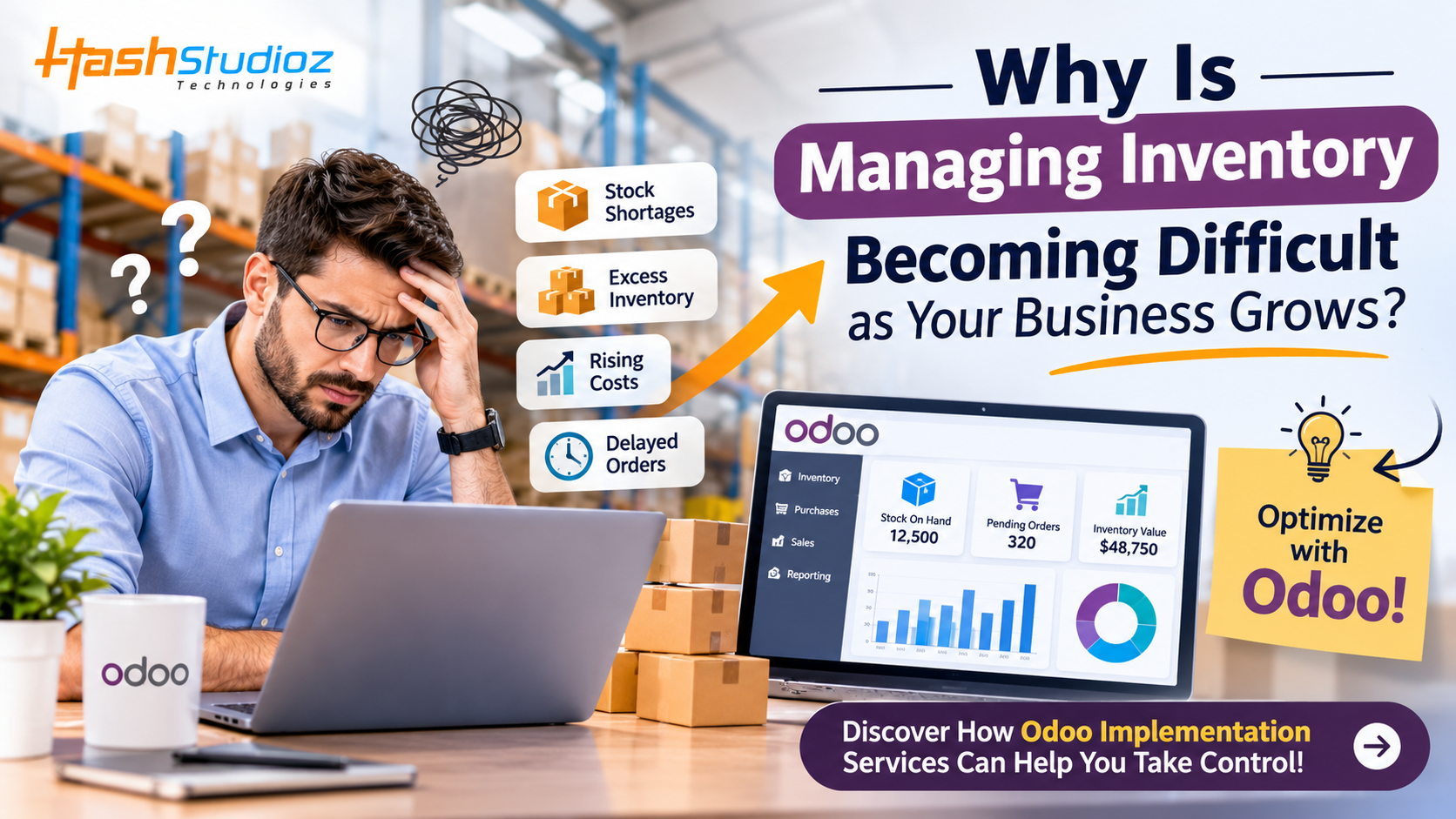
Business growth is exciting. More customers, increasing orders, expanding product lines, and new market opportunities are signs that your company is moving in the right direction. However, as operations become larger, managing inventory can quickly turn into a complicated challenge.
What worked when your business handled a few hundred orders may no longer be effective when order volumes increase significantly. Stock records become harder to maintain, warehouse operations become more demanding, and coordinating inventory across multiple locations requires greater attention.
As your business grows, managing inventory across products, warehouses, and orders becomes increasingly complex. Manual tracking can lead to stock discrepancies, delayed deliveries, and unnecessary costs. The right Odoo Implementation Services help streamline inventory processes, improve stock visibility, and connect operations, giving your team better control as your business expands.
Why Does Inventory Management Become More Complicated as Your Business Grows?
Inventory management involves more than knowing how many products are available. It requires coordinating purchasing, storage, sales, warehouse activities, supplier relationships, and order fulfillment.
As a business expands, each of these activities becomes more complex.
1. Increasing Product Varieties and SKUs
When businesses expand their product offerings, they must manage more stock-keeping units (SKUs). Each product may have different sizes, colors, specifications, suppliers, and storage requirements.
Managing a small product catalog through spreadsheets may initially seem manageable. However, maintaining accurate records for hundreds or thousands of products becomes increasingly difficult.
Example: A clothing retailer initially sells 20 product variations. After expansion, it introduces multiple collections, sizes, and colors. Without an organized inventory system, employees may struggle to identify available quantities and distinguish between similar products.
2. Multiple Warehouse Locations
Business expansion often involves opening additional warehouses, retail stores, or distribution centers.
Managing stock across multiple locations creates new challenges, including:
-
Tracking inventory at individual warehouses.
-
Coordinating stock transfers between locations.
-
Preventing duplicate stock entries.
-
Monitoring warehouse-specific demand.
-
Maintaining accurate inventory records.
Without centralized visibility, businesses may have excess stock in one location while experiencing shortages in another.
3. Higher Order Volumes
As customer demand increases, businesses must process more orders within shorter timeframes.
Manual stock updates, purchase entries, and order verification can slow down warehouse operations. Even small recording mistakes can create significant problems when hundreds of transactions are processed daily.
4. Limited Visibility Into Inventory Performance
Growing businesses need more than basic stock counts. They need reliable information about product movement, inventory value, purchasing trends, and slow-moving products.
When information is scattered across different systems, managers may struggle to make timely decisions.
Common Inventory Management Challenges Growing Businesses Face
Understanding the problems behind inventory complexity is the first step toward building better processes.
1. Inaccurate Inventory Records
One of the most common inventory problems is the difference between actual warehouse stock and recorded stock.
Manual data entry, delayed updates, duplicate transactions, and incorrect product entries can create discrepancies.
Why does it matter?
Imagine a customer places an order for 50 units, but your system shows 65 units available when only 35 are physically present. Your sales team may confirm an order that your warehouse cannot fulfill.
This creates order delays, customer dissatisfaction, and additional administrative work.
How to improve it: Introduce centralized inventory tracking, establish regular stock reconciliation practices, and ensure inventory movements are recorded consistently.
2. Overstocking and Stockouts
Maintaining the right inventory level becomes increasingly difficult as demand changes.
Overstocking ties up working capital and increases storage expenses. Stockouts can result in missed sales opportunities and disappointed customers.
For growing companies, balancing inventory levels requires accurate demand information and better purchasing decisions.
Practical example: A distributor stocks large quantities of a seasonal product based on last year's demand. However, customer preferences change, leaving significant unsold inventory in the warehouse.
A better approach involves monitoring sales trends, reviewing reorder levels, and using historical data to support purchasing decisions.
3. Poor Warehouse Coordination
When warehouse operations expand, employees must coordinate receiving, picking, packing, shipping, and stock transfers.
Without clearly defined processes, warehouse teams may waste time locating products, recording movements, or correcting mistakes.
Businesses can improve coordination by establishing organized warehouse locations, standard operating procedures, and consistent inventory movement records.
4. Delayed Purchasing and Supplier Coordination
Inventory availability depends heavily on purchasing and supplier performance.
As order volumes increase, businesses may work with more suppliers, negotiate different delivery schedules, and manage multiple purchase orders.
Without proper coordination, purchasing teams may reorder products too late or purchase quantities that are not aligned with actual demand.
An organized purchasing process helps businesses monitor supplier lead times, pending orders, and expected deliveries.
5. Difficulty Managing Inventory Across Different Systems
Many businesses use separate applications for sales, accounting, purchasing, and warehouse management.
When these systems do not share information effectively, employees may need to enter the same data multiple times.
This can lead to:
-
Duplicate records.
-
Delayed inventory updates.
-
Inconsistent reporting.
-
Communication gaps between departments.
-
Increased administrative workload.
A connected business management system can reduce these issues by bringing essential operational information together.
6. Rising Inventory Management Costs
As inventory volumes increase, businesses may experience higher storage, handling, transportation, and administrative expenses.
Poor inventory planning can make these costs even higher.
For example, storing slow-moving products for extended periods consumes valuable warehouse space that could be used for faster-selling items.
Regular inventory analysis helps businesses identify products that require attention and improve stock allocation.
7. Difficulty Forecasting Future Demand
Growing businesses cannot always rely on previous purchasing patterns to predict future demand.
New customers, changing market conditions, promotional campaigns, and seasonal trends can influence product requirements.
Without reliable historical information and consistent reporting, businesses may struggle to estimate how much stock they need.
Demand forecasting should consider sales history, current orders, supplier lead times, seasonal patterns, and expected business changes.
How Can Odoo Help Businesses Manage Inventory More Effectively?
Odoo provides an integrated ERP environment that helps businesses manage inventory alongside other important business operations.
Instead of maintaining disconnected records, organizations can use Odoo's inventory capabilities to improve stock visibility, coordinate warehouse activities, and connect inventory processes with purchasing and sales.
Here are some practical ways Odoo can support growing businesses.
1. Centralized Inventory Management
Odoo helps businesses maintain inventory information within a centralized system.
Authorized employees can access relevant stock information, review product availability, and track inventory movements according to their permissions.
This makes it easier for different departments to work with consistent inventory information.
Business benefit: Better visibility, fewer disconnected records, and improved coordination between teams.
2. Real-Time Stock Tracking
Odoo Inventory supports stock movement tracking and inventory updates as transactions are processed.
Businesses can monitor product quantities, incoming shipments, outgoing deliveries, and internal transfers.
Example: When a warehouse processes an outgoing delivery, the corresponding inventory movement can be recorded in Odoo. Sales and warehouse teams can use the updated information to coordinate upcoming orders.
The accuracy of information depends on properly configured workflows and timely transaction recording.
3. Multi-Warehouse Management
Businesses operating multiple warehouses need a system that supports organized stock management across locations.
Odoo can help manage multiple warehouses, internal locations, and stock transfers.
This allows businesses to understand where products are stored and coordinate inventory movements between facilities.
Business benefit: Improved warehouse visibility and more organized stock distribution.
4. Automated Reordering Rules
Odoo supports reordering rules that help businesses replenish stock when predefined conditions are met.
Organizations can configure minimum and maximum stock levels based on product requirements and purchasing policies.
When inventory reaches the configured reorder threshold, the system can help initiate replenishment activities.
Example: A distributor maintains a minimum stock level of 100 units for a frequently sold product. When available inventory reaches the defined threshold, the configured replenishment process can help the purchasing team plan the next order.
This reduces dependence on manual stock monitoring.
5. Barcode-Based Warehouse Operations
Odoo Barcode supports barcode-driven inventory operations, helping warehouse employees process product movements more efficiently.
Depending on the configured workflow, employees can use barcode scanning for receiving, picking, packing, and internal transfers.
This can reduce repetitive data entry and improve consistency in warehouse processes.
6. Inventory Reporting and Analysis
Odoo provides inventory reporting capabilities that help businesses review stock movements and inventory performance.
Managers can use available reports to understand product activity, review stock levels, and identify potential inventory issues.
These insights support better purchasing, storage, and replenishment decisions.
Why Choose an Experienced Odoo Implementation Company?
Although Odoo offers powerful inventory management capabilities, successful results depend on how well the system is configured around actual business operations.
Simply installing ERP software does not automatically solve inventory problems.
An experienced Odoo Implementation Company can help businesses plan and configure the system according to their warehouse structure, purchasing requirements, sales processes, and future growth plans.
Understanding Your Business Requirements
Before implementation, consultants can evaluate existing inventory processes, identify operational challenges, and understand how different departments handle stock-related activities.
This helps create an implementation strategy that supports real business requirements.
Customized Inventory Configuration
Every business manages inventory differently.
A manufacturer may require raw material tracking and production-related inventory movements, while a distributor may prioritize multi-warehouse management and order fulfillment.
Professional implementation services help configure relevant workflows, product categories, warehouse locations, access permissions, and replenishment rules.
Data Migration and System Integration
Moving existing inventory information into a new ERP system requires careful planning.
An implementation partner can assist with product data migration, opening stock balances, supplier information, and integration with relevant business applications.
Proper validation is essential to avoid carrying inaccurate records into the new system.
Employee Training and Ongoing Support
Even a well-configured ERP system requires employees to understand how to use it correctly.
Training helps warehouse teams, purchasing managers, and sales employees follow consistent workflows.
Ongoing support can also help businesses address configuration issues and adapt the system as operational requirements change.
Actionable Tips to Improve Inventory Management as Your Business Grows
You do not need to wait until inventory problems affect customers or revenue. Start improving your processes with these practical steps:
-
Audit your existing inventory: Review product records, stock quantities, warehouse locations, and recurring discrepancies.
-
Standardize product information: Establish consistent SKU formats, product descriptions, and categorization methods.
-
Set appropriate reorder levels: Define minimum and maximum stock quantities based on demand and supplier lead times.
-
Improve warehouse organization: Create clear storage locations and establish standard receiving, picking, and dispatch procedures.
-
Monitor slow-moving products: Identify items that remain in storage for extended periods and review purchasing decisions.
-
Connect business operations: Reduce disconnected data by integrating inventory with purchasing, sales, and accounting workflows.
-
Use barcode scanning where suitable: Simplify warehouse activities and reduce manual recording.
-
Review inventory performance regularly: Monitor stock accuracy, order fulfillment, inventory turnover, and stockout frequency.
-
Plan for future growth: Choose inventory processes and systems that can support additional products, warehouses, and transactions.
Small improvements introduced consistently can make inventory operations more manageable as the business expands.
Conclusion
Managing inventory becomes increasingly challenging as a business grows because more products, customers, warehouses, suppliers, and transactions create additional operational complexity. Manual processes and disconnected systems that once worked for a small operation may eventually become barriers to efficiency, accuracy, and business growth.
The solution is to build a structured inventory management process supported by the right technology. Odoo can help businesses centralize inventory information, track stock movements, manage multiple warehouses, automate replenishment activities, and improve operational visibility.
However, achieving these benefits requires proper planning, configuration, data migration, and employee training. Partnering with an experienced Odoo Implementation Company can help businesses implement the right workflows and make better use of Odoo's capabilities through tailored Odoo Implementation Services.

 English
 Arabic
 Spanish
 Portuguese
 Deutsch
 Turkish
 Dutch
 Italiano
 Russian
 Romaian
 Portuguese (Brazil)
 Greek