
Why Some Streaming Devices Overheat During Extended Viewing
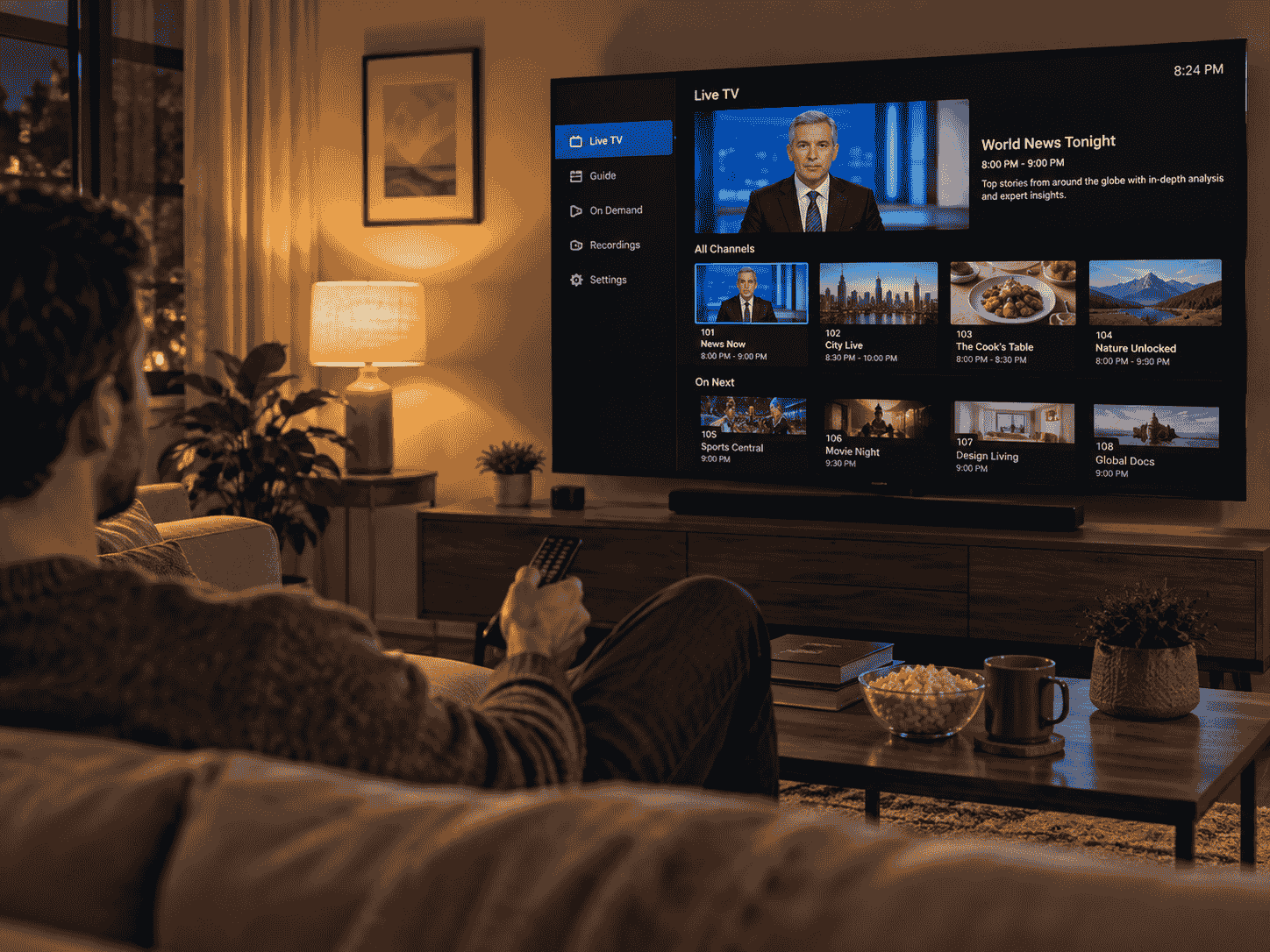
Streaming devices have made it easier to access digital entertainment without relying entirely on a television's built-in applications. Small streaming sticks, media players, and connected TV boxes can provide access to films, live channels, and on-demand programmes. However, some users notice that these devices become unusually warm after several hours of continuous use.
Although generating some heat is normal for electronic equipment, excessive temperatures can affect performance and reliability. A streaming device may slow down, freeze, restart unexpectedly, or struggle to maintain playback when it becomes too hot. Understanding why overheating occurs and how to prevent it can help maintain a more stable home entertainment setup.
Why Do Streaming Devices Get Hot?
Streaming devices contain electronic components that generate heat while processing data. Their processors handle video decoding, application operations, network communication, and other tasks required for playback. The more demanding the workload, the more heat certain components may produce.
High-resolution video, intensive applications, background processes, and continuous network activity can increase the workload. Compact streaming devices have limited physical space, which can also restrict how effectively heat moves away from internal components.
Warm operating temperatures do not automatically indicate a problem. Many devices are designed to operate within specific temperature ranges. However, when heat builds up faster than it can dissipate, the device may experience thermal stress or activate protective mechanisms that reduce performance.
Common Reasons Streaming Devices Overheat
One common reason is limited ventilation. Streaming sticks are often connected directly to HDMI ports behind televisions, where airflow may be restricted by the screen, wall, or surrounding furniture. Media boxes can face similar problems when placed inside enclosed cabinets or stacked with other electronics.
Effective thermal management helps electronic devices release the heat generated during normal operation. Streaming equipment relies on factors such as internal component design, ventilation openings, surrounding airflow, and suitable placement to maintain reasonable operating temperatures. When these conditions are poor, heat can accumulate during extended viewing sessions.
Power supply problems can also contribute to unusual heating. An unsuitable adapter, damaged cable, or unstable power source may create operational issues. Using the power accessories recommended by the manufacturer helps reduce avoidable risks.
Other possible causes include outdated software, background applications, excessive ambient room temperature, and hardware faults. Identifying the actual cause is more useful than assuming that every warm streaming device has the same problem.
How Extended Viewing Sessions Increase Heat
Watching a short programme may not place the same sustained demands on a streaming device as several hours of continuous playback. During extended viewing, the processor, memory, and network components remain active for longer periods.
High-resolution streaming can involve additional processing, depending on the device and video format. Applications may also run background tasks, check for updates, load recommendations, or maintain network connections while content is playing.
When a device has adequate cooling and ventilation, it should generally handle its intended workload within its operating limits. Problems are more likely when continuous activity combines with restricted airflow or a warm surrounding environment.
This is particularly relevant for streaming sticks positioned behind televisions. The area around the HDMI port may become warm during normal television operation, potentially adding to the heat surrounding the device.
If overheating consistently occurs after a particular amount of viewing time, reviewing the device's placement and ventilation is a sensible starting point.
Signs That a Streaming Device May Be Overheating
Recognising unusual heating early can help prevent repeated interruptions and identify potential hardware problems.
One possible sign is unexpected performance reduction. Applications may take longer to open, menus may respond slowly, or video playback may become inconsistent. Some electronics use thermal throttling, which reduces processing activity to help control temperature.
Unexpected restarts or shutdowns can also occur when a device reaches a temperature that activates its protective systems. In other cases, the streaming application may freeze or close unexpectedly.
Physical warmth alone is not enough to confirm overheating. Many compact devices become warm during normal operation, particularly when they are processing high-quality video. What matters is whether the device displays abnormal behaviour, becomes excessively hot, or repeatedly interrupts playback.
Check the manufacturer's documentation for information about normal operating temperatures and any warning indicators supported by the model.
The Importance of Proper Device Placement
Where a streaming device is installed can have a noticeable effect on heat dissipation. Avoid placing media boxes inside tightly enclosed cabinets without ventilation. Leave adequate space around ventilation openings and keep the equipment away from other heat-producing electronics.
Streaming sticks connected directly to televisions may benefit from manufacturer-approved HDMI extension cables. These can help move the device away from the back of the screen and into an area with better airflow. Always use compatible accessories and follow the device manufacturer's installation recommendations.
Avoid covering the device with decorative objects, placing it under fabrics, or positioning it directly beside heating equipment. These arrangements can restrict airflow and increase surrounding temperatures.
If your streaming device uses an external power supply, keep the adapter in a well-ventilated location as well. Do not cover power adapters or place them where heat cannot escape.
Simple adjustments to equipment placement can sometimes improve operating conditions without requiring additional cooling accessories.
Can Software Updates Help Prevent Overheating?
Software can influence how efficiently a streaming device uses its hardware. Poorly optimised applications, unnecessary background activity, or software bugs may cause components to work harder than necessary.
Manufacturers sometimes release updates that address application performance, system stability, and resource management. Keeping the device and its applications updated through official channels can help resolve certain software-related problems.
It may also be useful to remove applications that are no longer needed. Fewer unnecessary background activities can make the system easier to manage, although deleting apps will not solve a physical ventilation problem.
If overheating begins after installing a particular application or software update, check the manufacturer's support information for known issues. Avoid installing unofficial firmware or unverified applications in an attempt to change device performance.
Software maintenance is useful, but it cannot compensate for damaged hardware or severely restricted ventilation.
Does Streaming Quality Affect Device Temperature?
Video quality can influence how much processing a streaming device performs. Higher resolutions, demanding codecs, and certain HDR formats may require more capable hardware, depending on the device and decoding method.
For example, a device playing a compatible 4K stream may perform differently from one displaying standard high-definition content. The actual workload depends on hardware decoding support, software optimisation, frame rate, and video encoding.
However, higher resolution does not automatically mean that a device will overheat. Many modern streaming players are designed specifically to handle supported high-resolution formats.
If overheating occurs repeatedly, try comparing different applications and video qualities. If the problem appears only with one demanding application, the issue may involve software optimisation or device compatibility rather than general temperature management.
Use the video quality settings recommended for your equipment instead of forcing unsupported formats.
Safe Ways to Reduce Streaming Device Heat
A few practical habits can help keep streaming equipment operating comfortably.
First, make sure the device has sufficient airflow. Move media boxes away from enclosed spaces and consider a compatible HDMI extension where the manufacturer's design allows it.
Second, use the original or officially recommended power adapter and cable. Avoid damaged accessories or unverified power supplies that may introduce electrical problems.
Third, restart the device occasionally if applications become unresponsive or background activity appears abnormal. Check for official software updates and remove applications that are no longer necessary.
Keep the surrounding area clean and free from dust. If the manufacturer permits cleaning, follow its instructions and avoid inserting objects into ventilation openings.
Never place a streaming device in a refrigerator, freezer, or other environment designed for cooling food. Sudden temperature changes and condensation can damage electronics. Similarly, avoid applying water or unapproved cooling substances to the equipment.
If a device becomes extremely hot, emits an unusual smell, or repeatedly shuts down, disconnect its power when safe to do so and consult the manufacturer's support service.
When Should You Consider Replacing a Streaming Device?
Sometimes overheating is a sign of an ageing or damaged device. Repeated shutdowns, persistent performance problems, and abnormal heating despite proper ventilation may indicate an internal hardware issue.
Older streaming devices may also struggle with newer applications and video formats because their processing capabilities and software support are limited. In such cases, upgrading to a compatible model may provide more reliable performance.
Before purchasing a replacement, check the device's warranty and available repair options. Some manufacturers provide support for hardware faults, while others recommend replacement when equipment is no longer supported.
When selecting a new streaming player, consider its supported resolutions, codec compatibility, operating system updates, ventilation design, and power requirements. A device that suits your television and viewing habits is generally a better choice than one selected solely for its headline specifications.
Final Thoughts
Streaming devices can become warm during extended viewing because their processors, network components, and other internal parts generate heat while operating. Although some warmth is normal, restricted ventilation, demanding applications, unsuitable power accessories, and high surrounding temperatures can contribute to overheating problems.
Keeping equipment properly ventilated, using recommended power supplies, maintaining software, and placing devices away from other heat sources can help reduce unnecessary temperature buildup.
If unusual heating continues despite these precautions, check the manufacturer's guidance and consider whether the device needs repair or replacement. A properly maintained streaming device is more likely to provide consistent playback and a dependable home entertainment experience.

 English
 Arabic
 Spanish
 Portuguese
 Deutsch
 Turkish
 Dutch
 Italiano
 Russian
 Romaian
 Portuguese (Brazil)
 Greek