
Choosing a School Management Software Provider: From First Enquiry to ERP Demonstration
A school may start searching for ERP software when its existing processes become difficult to manage. Fee records might require repeated checking, teachers may use several channels to share assignments, or administrators may struggle to prepare reports from separate files.
Finding a suitable provider starts with understanding these challenges. A focused enquiry and a practical demonstration can help schools assess software before committing to a purchase.
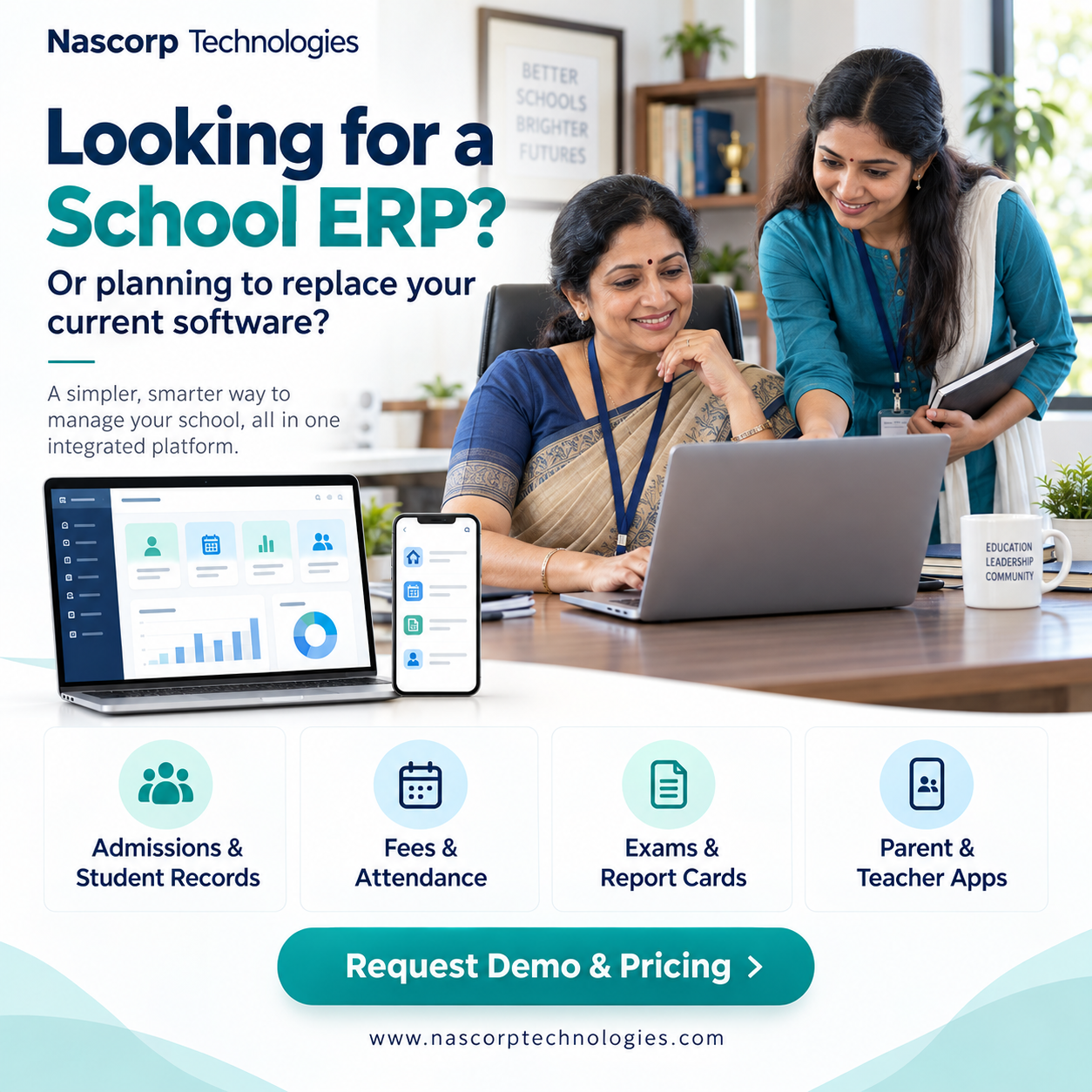
Nascorp Technologies provides School ERP software and mobile applications that schools can evaluate according to their academic and administrative requirements.
Turn Daily Challenges into Clear Requirements
Before contacting a school management software provider, speak with the staff responsible for daily operations.
Ask the accounts team which reports take the most time to prepare. Discuss attendance and homework processes with teachers. Find out which updates parents regularly request from the office.
Convert those observations into specific requirements. For example, “improve communication” becomes more useful when expressed as “give parents one place to access circulars, homework and attendance updates.”
A clear requirements list helps the provider demonstrate relevant functions and identify areas needing further discussion.
What to Include in a School ERP Software Enquiry
The first enquiry does not need to be lengthy. It should give the provider enough context to understand the school.
Include your school’s name, location, student strength, current system and essential modules. Mention whether you need parent and teacher mobile apps or support with existing records.
You can also share your preferred time for a discussion and identify the people who will attend the demonstration.
This preparation helps both teams use the meeting effectively.
Use the Demo to Follow a Student’s Journey
One useful way to evaluate an ERP is to follow a student’s information through several activities.
Start with an admission enquiry. Review how the application is tracked and how confirmed details become a student record. Then examine class allocation, attendance, fee information and examination results.
This approach helps your team understand how modules connect and where information needs to be entered or checked.
During a school ERP software live demo, ask the presenter to explain who can perform each action and how authorised corrections are handled.
Give Each Department Time to Evaluate
Different teams will judge the system through different tasks.
| School team | Tasks to review |
|---|---|
| Admissions | Enquiry tracking, applications and registration |
| Accounts | Fee configuration, receipts and outstanding balances |
| Teachers | Attendance, homework and assessment entry |
| Administration | Student records, documents and permissions |
| Management | Reports and access to relevant operational information |
Invite representatives who can explain the school’s existing processes. Their feedback helps identify requirements that may otherwise be missed.
Check Academic Requirements for CBSE Schools
A school ERP demo for CBSE schools should address the institution’s assessment and reporting needs.
Provide sample report cards, grading rules and relevant academic workflows. Ask the provider to demonstrate how those requirements would be handled.
Confirm any configuration or additional work needed before accepting a proposal. A general examination module demonstration may not answer every question about your school’s formats.
Evaluate the School Mobile App Separately
A desktop demonstration should be followed by a review of the mobile experience.
Ask to see how parents access homework, circulars, fee information and results. Review the teacher app functions required by your staff and any management access included in the proposal.
Check whether information is easy to find and whether notifications are understandable. Discuss account activation, password recovery and assistance for users.
Explore Nascorp’s School Mobile App solutions to assess the roles relevant to your school.
Ask Questions During an Online Demonstration
A school ERP online demonstration can be useful when participants join with a prepared checklist.
Ask practical questions such as:
- Can we use our existing fee structure?
- How are student records updated?
- Which report formats are available?
- What can each user role access?
- Which mobile apps are included?
- How will existing data be transferred?
- What training will staff receive?
Record the answers and request written clarification for commitments that affect the purchase.
Compare Providers Against the Same Scope
Schools researching top school ERP providers in India may receive proposals with different features and service inclusions.
Use your requirements list as the basis for comparison. Check functionality, usability, implementation, training, support and cost.
A lower quotation may cover fewer services. Similarly, a larger feature list may include functions your school does not need.
When comparing school ERP software companies in India, focus on the complete proposed scope and how well it supports your users.
Understand the Transition Process
Introducing an ERP requires preparation, especially when records are spread across multiple files or stored in another system.
Discuss the data to be migrated, required formats, cleaning responsibilities and verification process. Identify who will coordinate the work from the school.
Training should reflect staff responsibilities. Teachers, administrators and accounts teams may need different sessions.
Nascorp offers implementation guidance, data migration support and staff training. The agreed scope and applicable charges should be documented in the quotation or service agreement.
Review Pricing and Support Before Deciding
Ask for a written quotation that identifies selected modules, mobile apps, setup, migration, training and support.
Clarify recurring charges, renewal conditions and optional services. Discuss third-party costs where applicable, including messaging, payment gateways or integrations.
You should also understand how support requests are raised and escalated.
Review Nascorp School ERP software pricing to prepare for a quotation discussion.
Explore Nascorp Through a Personalised Demo
The best school ERP software in India for your institution should fit its processes and be usable by its team. A structured evaluation helps you assess that fit.
Nascorp Technologies offers schools an opportunity to review relevant modules and mobile applications through a personalised demonstration.
Request a school management system free demo and share your requirements with the Nascorp team. Explore the workflows, clarify implementation needs and request a quotation before making your decision.

 English
 French
 Spanish
 Portuguese
 Deutsch
 Turkish
 Dutch
 Italiano
 Russian
 Romaian
 Portuguese (Brazil)
 Greek