
Canara Bank Account Statement Download: All Methods
A bank account statement helps you track deposits, withdrawals, fund transfers, and other transactions. It can also be useful when preparing financial records, reviewing monthly expenses, applying for certain financial products, or verifying payments.
If you have a Canara Bank account, you can access your transaction details through several banking channels. Depending on your requirements, you may be able to view recent transactions, generate a statement for a selected period, or save an electronic statement for future use.
In this guide, we explain the different methods for Canara Bank Account Statement Download, including the mobile banking app, internet banking, WhatsApp banking, and branch services.
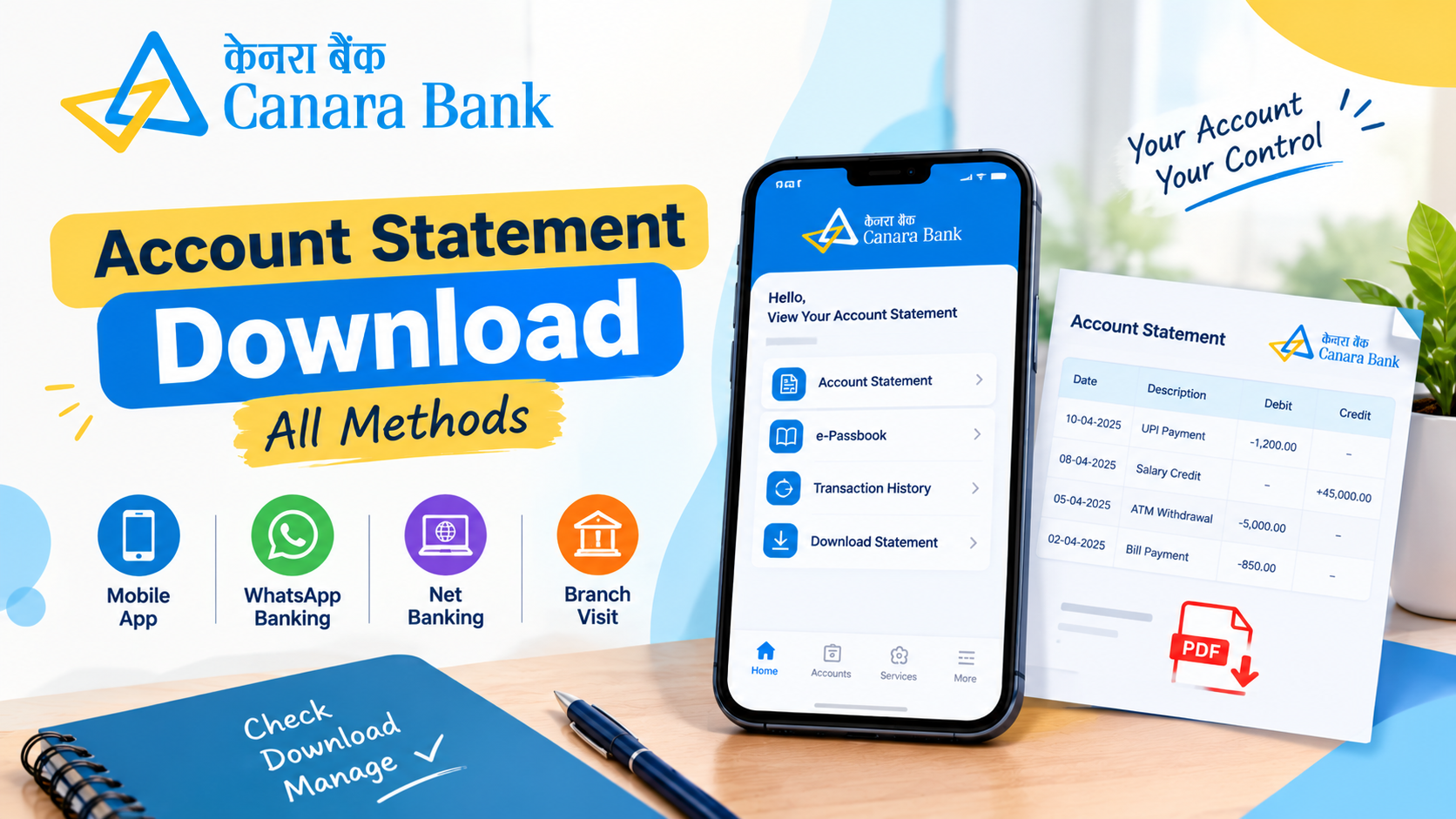
1. Canara Bank Account Statement Download Through the Mobile App
The Canara ai1 mobile banking app allows customers to access various banking services using a smartphone. You can use its e-Passbook facility to view transactions for a selected period.
Steps to Download Your Statement
-
Open the official Canara ai1 mobile banking app on your smartphone.
-
Log in using your registered credentials.
-
Navigate to the Pay and Transfer section.
-
Select the e-Passbook option.
-
Choose the bank account for which you need the statement.
-
Select the available date range or enter custom dates.
-
View your account transactions and use the available options to save or share the statement.
Canara Bank states that its e-Passbook facility supports statements for periods ranging from 10 days to one year, including custom date ranges within the available limit. The options displayed may vary depending on the app version and account services.
You can check the latest instructions on the official Canara Bank mobile banking page.
2. Download a Canara Bank Statement Through Net Banking
Internet banking is another convenient option if you prefer using a computer or laptop. It allows eligible customers to access banking services online without visiting a branch.
Steps to Get Your Account Statement
-
Visit the official Canara Bank Net Banking page.
-
Open the appropriate net banking login option.
-
Sign in using your registered login credentials.
-
Navigate to the accounts or account information section.
-
Look for the account statement or transaction history option.
-
Select the account you want to check.
-
Choose the required statement period.
-
Generate the statement and select an available download or export option, if provided.
Depending on the available options, you may be able to save the statement in PDF or another supported format.
Always access internet banking through the bank's official website. Avoid clicking unknown links in messages or emails that claim to provide instant statement downloads.
3. Canara Bank Statement Through WhatsApp Banking
WhatsApp banking can be useful for customers who want to access banking services through WhatsApp. Canara Bank provides WhatsApp banking services, but the available features and authentication requirements may differ.
How to Use WhatsApp Banking
-
Visit the official Canara Bank website and locate its WhatsApp banking information.
-
Verify the official WhatsApp banking number before starting a conversation.
-
Save the verified number in your phone contacts, if required.
-
Open WhatsApp and send the initial message requested by the bank.
-
Follow the instructions provided in the official banking conversation.
-
Complete any required verification.
-
Select the relevant service if an account statement or transaction information option is available.
Important: Do not assume that every WhatsApp banking feature provides a complete, downloadable PDF statement. The available services may change, so check the bank's current instructions before proceeding.
Never share your ATM PIN, internet banking password, or OTP with another person. Use only the verified banking contact published by Canara Bank.
4. Get Your Canara Bank Statement by Visiting a Branch
If you cannot access mobile banking or internet banking, you can request a statement at your Canara Bank branch.
This method may be helpful if you need assistance, have difficulty accessing digital services, or require a statement for a specific period.
Steps to Request a Statement
-
Visit your Canara Bank home branch or another branch that provides the service.
-
Carry valid identification and your account details.
-
Ask the bank staff for an account statement.
-
Specify the period for which you need the statement.
-
Complete any required request form or verification.
-
Collect the statement or follow the instructions provided by the branch.
Ask the branch whether any service charges apply. Fees may depend on the account type, statement request, and applicable bank rules.
5. Check Your Canara Bank Mini Statement
If you only want to review recent transactions, a mini statement may be sufficient. It is different from a full account statement because it generally shows a limited number of recent transactions.
Canara Bank offers a mini statement facility through its mobile banking app. The bank also lists missed-call numbers for mini statements on its official website.
You can check the current details on the Canara Bank Missed Call Banking page.
A mini statement is useful for checking recent deposits and withdrawals. However, if you need transactions covering several weeks or months, use the e-Passbook, net banking, or branch statement facility instead.
6. How to Save Your Canara Bank Statement as a PDF
Saving your statement as a PDF makes it easier to store, print, or share when required.
Follow these steps when a PDF download option is available:
-
Log in to the official mobile banking app or net banking portal.
-
Open the account statement section.
-
Select the relevant account.
-
Choose the required date range.
-
Generate the statement.
-
Select the PDF download option, if available.
-
Save the file in a secure location on your device.
Some bank statements may be password-protected. If the downloaded file requests a password, follow the instructions supplied by the bank rather than guessing or sharing your banking credentials.
Before sending a statement to another person or organisation, check that it contains only the information required for the purpose.
7. Common Problems During Canara Bank Statement Download
Sometimes customers experience problems while trying to access their account statements. The following steps may help.
The mobile app is not opening: Check your internet connection and update the official app if an update is available.
The statement is not showing: Confirm that you selected the correct account and date range. Some facilities have limits on the period available.
The PDF is not downloading: Check your device storage, internet connection, and browser download settings. You can also try another official banking channel.
You cannot log in: Follow the bank's official account recovery or support process. Never share your OTP or PIN with anyone claiming to help you.
You need an older statement: Check whether the required period is available through digital banking. If it is not, contact the bank or visit a branch to ask about obtaining the relevant records.
Benefits of Downloading Your Bank Statement Online
Downloading an account statement can help you manage your finances more efficiently.
-
Track transactions: Review deposits, withdrawals, transfers, and other account activity.
-
Monitor expenses: Understand where your money is going.
-
Maintain records: Keep statements for personal accounting and future reference.
-
Verify payments: Check whether a payment or deposit appears in your account history.
-
Save time: Use available digital banking services instead of visiting a branch for routine requests.
Remember that the statement only records the transactions covered by the selected period. Check the dates carefully before using it for official purposes.
Conclusion
Completing a Canara Bank Account Statement Download is possible through several channels, depending on your account access and the services available to you. The Canara ai1 app and net banking are useful options for accessing transaction records online, while WhatsApp banking may provide selected banking services. You can also request a statement at a branch if digital methods are unsuitable.
Choose the method that matches your requirements, select the correct date range, and save your statement securely. Always use Canara Bank's official website or verified banking channels to protect your account information.
Frequently Asked Questions
1. How can I download my Canara Bank account statement online?
You can use the Canara ai1 mobile banking app or Canara Bank net banking. Log in, open the account statement or e-Passbook section, select your account and date range, and use the available download option.
2. Can I download my Canara Bank statement as a PDF?
Yes, a PDF download may be available through supported digital banking services. The exact options depend on the service and statement facility you use. Follow the instructions displayed by the official banking platform.
3. Can I get a Canara Bank statement without visiting a branch?
Yes. You can access statements through the mobile banking app or net banking if you are registered and the relevant services are enabled. WhatsApp banking may also offer selected account services. A branch visit is another option if you cannot access digital banking.
4. How can I check my Canara Bank mini statement?
You can check recent transactions through the mini statement option in the Canara ai1 app. Canara Bank also provides missed-call banking for mini statements. Confirm the current number and instructions on the bank's official website.
5. What should I do if I cannot download my Canara Bank statement?
Check your internet connection, login access, selected account, and date range. If the problem continues, use another official banking channel or contact Canara Bank customer support. Never share your PIN, password, or OTP with anyone.

 English
 Arabic
 French
 Spanish
 Portuguese
 Deutsch
 Turkish
 Dutch
Dutch
 Italiano
 Russian
 Portuguese (Brazil)
 Greek
Greek