
Nail Salon POS Software: 7 Ways to Keep a Busy Salon Running Smoothly
A client arrives for a gel manicure, adds nail art halfway through, and buys cuticle oil before leaving. Another client needs an old set removed before her appointment can begin. Meanwhile, the receptionist is answering booking messages and checking which technician is available.
None of these situations is unusual. The difficulty starts when the appointment diary, service prices, customer notes, and payment records sit in different places.
Nail salon POS software can help connect those activities. For salon owners in the UAE, the useful question is whether the system can handle a real working day—from the first booking to the final payment reconciliation.
What Is Nail Salon POS Software?
Nail salon POS software records sales and payments for nail services and retail products. Depending on the platform and selected plan, it may also connect with appointment scheduling, customer profiles, inventory, staff commissions, and management reports.
That distinction matters. A basic checkout system might record a manicure sale perfectly well but offer little help with technician availability or package balances. A salon needs to check which functions are included and how they work together.
The strongest starting point is a clear service menu: treatments, prices, typical durations, optional extras, and the people qualified to deliver them.
1. Plan Appointments Around the Actual Service
A basic manicure and a detailed extension appointment do not need the same amount of time. Removal, repairs, and nail art can change the booking again.
When assessing a system, look for scheduling that can reflect those differences. Staff should be able to see the booked treatment, the assigned technician, and any additional time required.
Shared resources matter too. An available technician does not necessarily mean a pedicure chair is available. Ask whether the software can manage equipment or chair capacity alongside staff schedules.
For example, a booking for gel removal followed by a new set should reserve enough time for both stages. Otherwise, a diary that looks organised can still produce delays throughout the afternoon.
2. Keep Add-Ons Visible at Checkout
Small billing omissions become difficult to trace once a client has left.
A repair, upgraded finish, or additional design may be agreed during the treatment but never reach reception. Relying on a verbal handover puts unnecessary pressure on a busy team.
With a suitable workflow, staff can add the extra service to the open bill when it is agreed. The receptionist can then review an itemised total with the client.
Set up clear entries for common extras rather than using a single miscellaneous charge. This makes receipts easier to understand and gives managers a more useful breakdown of what the salon sells.
Make discount permissions equally clear. Staff should know which offers they can apply and when a manager needs to approve a change.
3. Make Repeat Visits Easier to Manage
Returning clients may have a preferred technician, favourite shade, or usual combination of treatments. Keeping those details in an organised customer record can save repeated questions.
Useful notes might include the previous service, selected colour reference, appointment history, and relevant preferences shared by the client.
Keep records practical and limit access to staff who need them. Avoid collecting information simply because a form has an empty field.
Appointment reminders and rebooking prompts are also worth testing. Check whether messages are included in the subscription, charged separately, or provided through another service. Marketing messages should follow the customer’s communication preferences.
Personal service comes from how the team uses the information. Software makes that information easier to find.
4. Separate Retail Stock from Treatment Supplies
A bottle of cuticle oil sold at reception is relatively straightforward to track: one sale reduces stock by one unit.
Professional products used during treatments are different. A bottle of gel or remover may be used across many appointments, and the quantity consumed can vary.
Do not assume that retail inventory tracking also measures treatment consumption automatically. Ask the provider to demonstrate both processes.
For supplies, establish a consistent approach to opening stock, purchases, usage adjustments, waste, and physical counts. Even a simple process can make purchasing decisions more informed.
Track colour variants carefully as well. Knowing that the salon has twenty bottles of polish is less useful if the most requested shades are unavailable.
5. Make Technician Commissions Understandable
Commission calculations can become complicated when a visit includes several treatments, a retail purchase, a discount, or work by more than one technician.
Before configuring nail salon POS software, write down the salon’s rules. Does commission apply before or after discounts? Do retail sales have a different rate? How are refunds and shared appointments handled?
Then test those rules using sample transactions.
Keep tips separate from sales and commission calculations so the team can understand each amount. A report is only useful when staff and managers agree on what its figures represent.
Clear setup also makes it easier to investigate a disputed payment without reconstructing the month from receipts and messages.
6. Review More Than the Daily Sales Total
A busy salon can generate strong sales while still facing scheduling gaps, heavy discounting, or high product costs.
Useful reports should help owners ask better questions. Which services are booked most often? When are appointments concentrated? How much revenue comes from retail products? Which discounts are being used?
Check how the system defines each measure. For example, an appointment marked as booked is different from a completed and paid visit.
Sales reports alone also do not establish profitability. Staff costs, product consumption, rent, and other expenses need to be considered.
Start with a few reports that support decisions you actually make each week. There is little value in a dashboard the team cannot interpret.
7. Test the Entire Workflow Before Choosing
A demonstration should follow a realistic salon visit.
Ask the provider to book a treatment, add removal and nail art, change the assigned technician, apply an authorised discount, and complete the payment. Then review the receipt, customer history, stock movement, and commission record.
Also test a cancellation, refund, and package redemption if those situations apply to your business.
For UAE salons, discuss invoice setup, local support, payment-provider compatibility, and the total cost of the required features. Confirm what happens during an internet interruption and what staff can access from different devices.
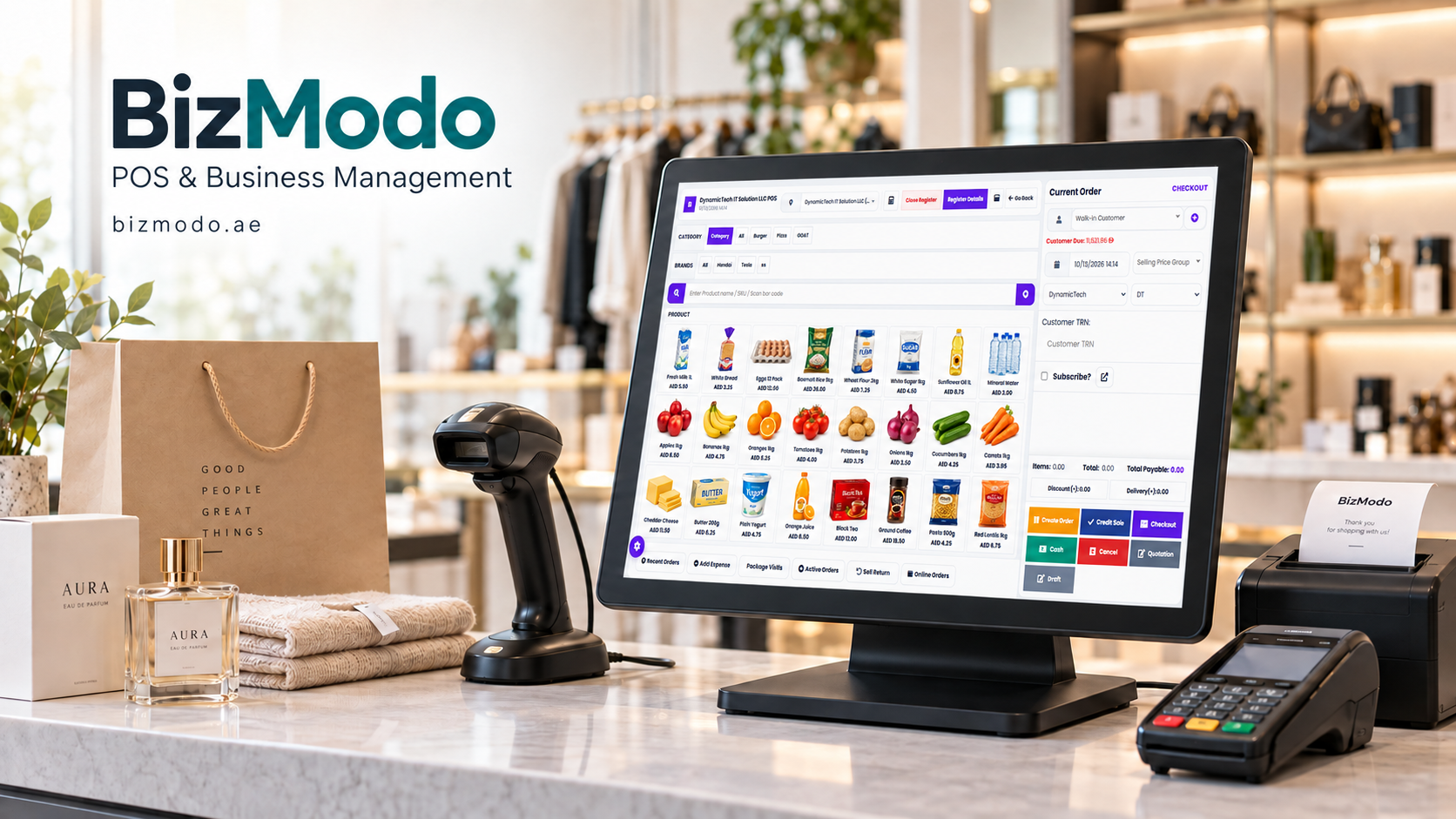
Owners comparing options can explore BizModo’s salon POS software. Its published salon offering covers appointment booking, billing, customer records, inventory, staff management, and reporting. A demonstration should confirm the features, integrations, and configuration needed for the salon’s own workflow.
Build a Process the Team Can Follow
Nail salon POS software is most useful when the service menu, stock records, staff responsibilities, and payment rules are clear.
Begin with the problems that create the most daily friction. That could mean missed add-ons, scheduling clashes, uncertain stock levels, or time-consuming commission calculations.
For salon owners considering BizModo, the next step is to request a demonstration using their own service list and typical booking scenarios. Seeing one complete visit move through the system is more informative than reviewing a long feature checklist.

 English
 Arabic
 French
 Spanish
 Deutsch
 Turkish
 Dutch
Dutch
 Italiano
 Russian
 Romaian
 Portuguese (Brazil)
 Greek
Greek