
15 Best Free Websites Everyone Should Know About in 2026
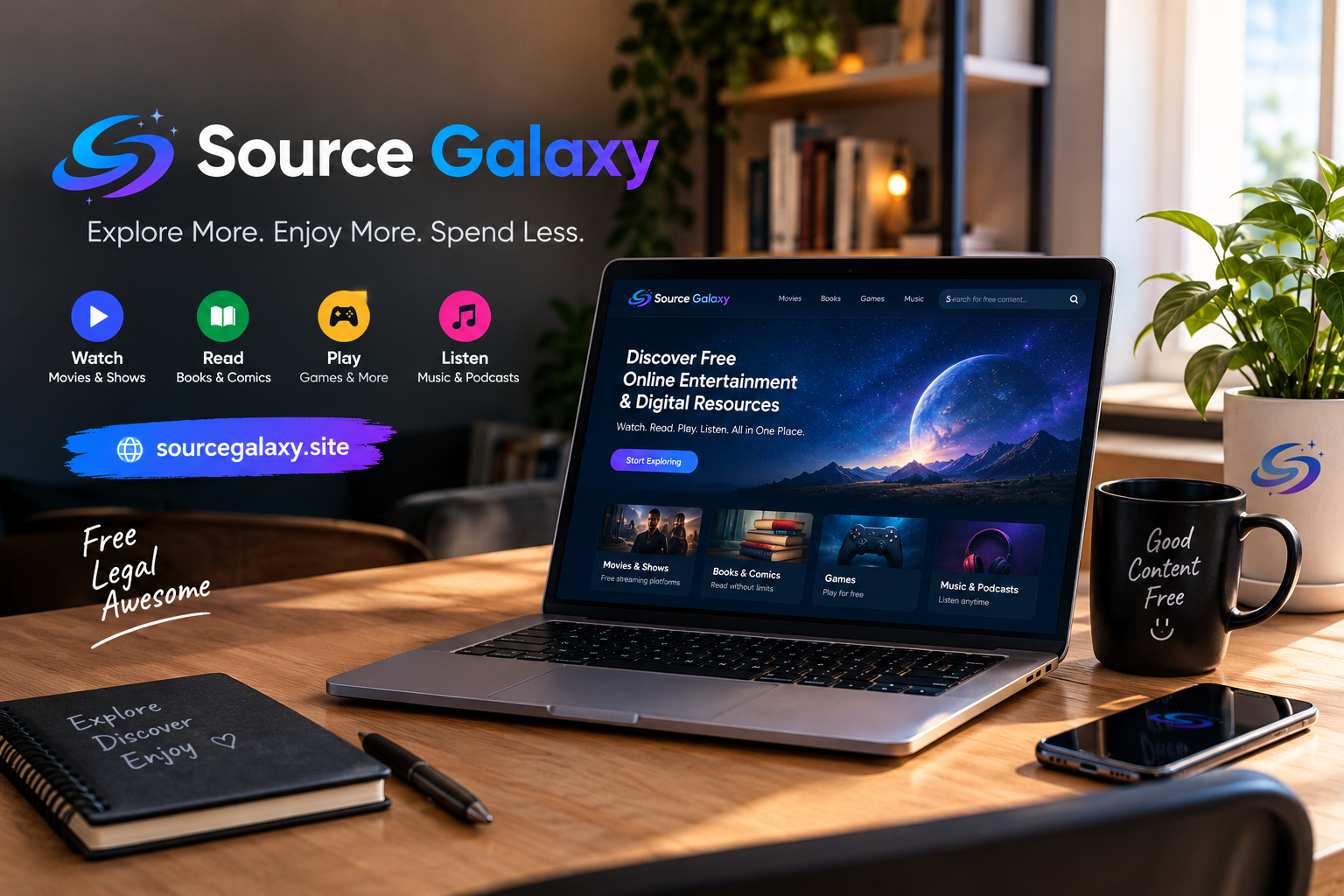
The internet is full of amazing resources that can help you save time, learn new skills, stay entertained, and become more productive. From free educational platforms to creative tools and entertainment websites, you can accomplish a lot online without spending money.
The challenge is knowing which websites are worth visiting.
In this guide, we will explore 15 types of useful websites that can make your everyday life easier. Whether you are a student, freelancer, content creator, or simply someone who enjoys exploring the internet, these resources can help you get more out of your time online.
1. Google — Find Information Quickly
Google is one of the most widely used search engines in the world. It helps you discover websites, articles, tutorials, images, news, and answers to everyday questions.
You can improve your searches by using specific keywords instead of general phrases.
2. YouTube — Learn and Stay Entertained
YouTube offers a huge collection of educational videos, tutorials, documentaries, music, and entertainment content.
You can learn cooking, graphic design, programming, photography, and many other skills by following helpful video guides.
Website: https://www.youtube.com/
3. Canva — Create Attractive Designs
Canva is a popular design platform for creating social media posts, presentations, posters, and other visual content.
Its free plan offers a variety of design tools and templates, making it useful for beginners, students, and small businesses.
Website: https://www.canva.com/
4. Wikipedia — Explore Knowledge
Wikipedia is a free online encyclopedia covering thousands of subjects, including science, history, technology, geography, and culture.
It is a useful starting point when researching a new topic. For academic or professional work, verify important facts using the original sources cited in articles.
Website: https://www.wikipedia.org/
5. Coursera — Discover Online Courses
Coursera connects learners with courses and educational programs from universities and organizations.
Some courses offer free access to learning materials, while certificates and other features may require payment. Check the individual course details before enrolling.
Website: https://www.coursera.org/
6. Khan Academy — Learn for Free
Khan Academy provides free educational resources covering mathematics, science, computing, economics, and other subjects.
It can be especially useful for students who want to review lessons, practice concepts, or learn at their own pace.
Website: https://www.khanacademy.org/
7. Spotify — Discover Music and Podcasts
Spotify lets users discover music, playlists, podcasts, and audio content across many genres.
A free listening option is available in supported markets, although features and restrictions vary by device, country, and plan.
Website: https://www.spotify.com/
8. Archive.org — Explore Digital Collections
The Internet Archive preserves digital materials, including historical web pages, books, recordings, films, and other resources.
Its collections can be valuable for research, education, and exploring digital history. Access and reuse rights differ by item.
Website: https://archive.org/
9. Duolingo — Practice a New Language
Duolingo offers language-learning lessons designed around short activities and regular practice.
It can help beginners build vocabulary and develop basic language skills. Consistent practice and real-world conversation can complement your lessons.
Website: https://www.duolingo.com/
10. Photopea — Edit Images Online
Photopea is a browser-based image editor that supports a range of common image formats and layered editing workflows.
It can be useful for editing graphics, preparing social media designs, and making image adjustments without installing traditional desktop software.
Website: https://www.photopea.com/
11. Remove.bg — Remove Image Backgrounds
Remove.bg helps users remove backgrounds from images automatically.
It can be helpful when preparing product images, profile pictures, and promotional graphics. Free usage and download resolutions may be limited, so check the current plan details.
Website: https://www.remove.bg/
12. Trello — Organize Your Tasks
Trello uses boards, lists, and cards to help people organize projects and track tasks.
Students can manage assignments, freelancers can organize client work, and business owners can plan content calendars.
Website: https://trello.com/
13. Google Drive — Store and Share Files
Google Drive allows users to store files online, organize documents, and share content with others.
It also works with Google Docs, Sheets, and Slides, making it useful for collaboration and everyday productivity. Free storage is limited and shared across supported Google services.
Website: https://drive.google.com/
14. GitHub — Explore Coding Projects
GitHub is a platform where developers collaborate on software projects, share code, and manage development work.
Beginners can explore open-source repositories and learn how real projects are built. Always review a project's license before reusing its code.
Website: https://github.com/
15. Source Galaxy — Discover More Online Resources
Finding useful websites can sometimes take longer than using them. You may need to visit multiple search results before finding a resource that fits your needs.
Source Galaxy aims to make online discovery easier by helping visitors explore digital resources and available online content.
Whether you are looking for entertainment, useful websites, or new digital experiences, Source Galaxy is another place to explore.
Visit: https://sourcegalaxy.site/
Check the website for its currently available resources and categories.
How to Choose the Right Website
With so many online platforms available, choosing the right one depends on your goals.
Here are a few simple tips:
-
For learning: Choose websites with clear lessons and reliable educational content.
-
For design: Look for tools that support the file formats and features you need.
-
For entertainment: Use authorized platforms and check regional availability.
-
For productivity: Choose services that make your work easier to organize.
-
For privacy: Review permissions, privacy policies, and account requirements.
-
For saving money: Check which features are free before signing up for a paid plan.
Not every website needs to be part of your daily routine. Start with the resources that solve your most important problems.
Benefits of Using Free Online Resources
Free online resources can make learning and working more accessible. They can also help people discover new interests without making a large financial commitment.
Some important benefits include:
Save money: Many services provide useful features without requiring an immediate purchase.
Learn at your own pace: Online tutorials and educational resources allow you to study whenever it suits you.
Improve productivity: Digital tools can help you organize projects, manage tasks, and complete work more efficiently.
Explore new interests: You can discover creative hobbies, entertainment, and new professional skills.
Work from anywhere: Many browser-based tools are accessible from different devices with an internet connection.
Remember that free services may include advertisements, usage limits, or optional paid upgrades.
Final Thoughts
You do not need dozens of expensive subscriptions to make the most of the internet. Many websites provide useful resources for learning, creativity, entertainment, and productivity.
The key is to find trustworthy platforms that match your needs and use them effectively.
Bookmark your favorite resources, explore new tools when necessary, and always pay attention to online safety and privacy.
For more digital discoveries, visit Source Galaxy and explore the resources available on our website.
Source Galaxy — Your Starting Point for Online Discovery!
Frequently Asked Questions
1. What are the best free websites in 2026?
Useful options include Google for searching, YouTube for videos, Khan Academy for education, Canva for design, and Photopea for online image editing.
2. Can I use free websites without creating an account?
Some websites allow immediate access, while others require an account for certain features. Check the requirements of each service.
3. Are free online tools suitable for businesses?
Yes. Many free tools can help businesses with design, organization, education, and content creation. Review licensing terms before using assets commercially.
4. How can I find more useful websites?
Search for tools related to a specific task, compare reputable options, and explore discovery resources such as Source Galaxy.
5. Is everything on a free website completely free?
Not always. Some platforms offer a free plan alongside paid features, subscriptions, advertisements, or usage limits. Review the terms before using a service.

 English
 Arabic
 French
 Spanish
 Portuguese
 Deutsch
 Turkish
 Dutch
Dutch
 Italiano
 Romaian
 Portuguese (Brazil)
 Greek
Greek