
IPTV for Firestick: A Complete Guide to Internet TV Streaming in 2026
Streaming entertainment has become an important part of modern life. Many people now prefer watching television through internet-connected devices instead of relying entirely on traditional cable or satellite services.
Amazon Fire TV Stick is one device that makes streaming convenient. Its compact design, simple interface, and access to streaming applications make it a popular choice for home entertainment.
For people interested in IPTV technology, Firestick can also provide a convenient way to access compatible internet-based television services.
In this guide, we will explore how IPTV works on Firestick, what users should consider before getting started, and how to enjoy a better streaming experience.
What Is IPTV?
IPTV stands for Internet Protocol Television. It is a technology that delivers television content through an internet connection.
Unlike traditional television broadcasting, IPTV uses internet-based delivery systems to provide access to live television and on-demand programming.
Depending on the provider, available content may include:
-
Live television channels
-
Movies and television series
-
Sports programming
-
News and entertainment
-
Family and children's content
Content availability depends on the provider's service and distribution rights.
Why Use Amazon Firestick for IPTV?
Firestick is designed to make television streaming accessible and convenient.
Here are some reasons people choose it:
1. Compact Design
Fire TV Stick connects directly to a compatible television's HDMI port. It does not require a large external streaming box.
2. Easy Navigation
The Fire TV interface allows users to browse applications and streaming services using a remote control.
3. Internet-Based Entertainment
Users can access compatible streaming applications through their internet connection.
4. Multiple Streaming Applications
Fire TV supports a range of entertainment applications. Availability depends on the device model, region, and application provider.
5. Convenient Home Entertainment
A single Fire TV device can provide access to several compatible streaming services without requiring a traditional cable television setup.
What Do You Need Before Setting Up IPTV on Firestick?
Before getting started, make sure you have the following:
-
An Amazon Fire TV Stick
-
A compatible television with an HDMI port
-
A stable internet connection
-
An IPTV application from an authorized source
-
A legitimate IPTV subscription with the necessary content distribution rights
-
Your authorized account credentials, if required
Checking these requirements beforehand can make installation easier.
How to Set Up IPTV on Firestick
The setup process depends on the IPTV application and provider.
Follow these general steps:
Step 1: Connect Your Firestick
Plug your Fire TV Stick into your television's HDMI port and connect its power supply.
Step 2: Connect to Wi-Fi
Follow the on-screen instructions to connect your Firestick to a stable internet network.
Step 3: Find a Compatible IPTV Application
Explore the official Amazon Appstore for an IPTV player that supports your device and region.
Step 4: Install the Application
Download the application from its authorized source and complete the installation.
Step 5: Configure Your Account
If your IPTV provider supplies authorized login credentials or playlist information, follow its official setup instructions.
Step 6: Test Your Streaming Experience
Check playback, application navigation, video quality, and available content.
Always avoid installing applications from unknown sources or using unauthorized content streams.
How to Improve IPTV Streaming Performance
Even a compatible Firestick may experience buffering or playback interruptions when the internet connection is unstable.
Consider these practical tips:
Use Reliable Wi-Fi: Place your router in a suitable location to improve signal strength.
Restart Your Device: Restarting Firestick can sometimes resolve temporary performance problems.
Update Applications: Keep your streaming applications and Fire OS updated.
Check Internet Speed: Make sure your connection is suitable for your selected video resolution.
Close Unnecessary Applications: Reducing background activity can help free up device resources.
These simple steps can help improve the overall viewing experience.
How to Choose an IPTV Provider for Firestick
Not every IPTV service offers the same features or level of compatibility.
Before subscribing, consider the following:
-
Firestick compatibility
-
Available live television channels
-
On-demand content availability
-
HD and 4K options, where supported
-
Transparent subscription pricing
-
Customer support availability
-
Privacy and security practices
-
Verified content licensing and distribution rights
It is also helpful to check whether a provider offers a trial so you can test compatibility before purchasing a subscription.
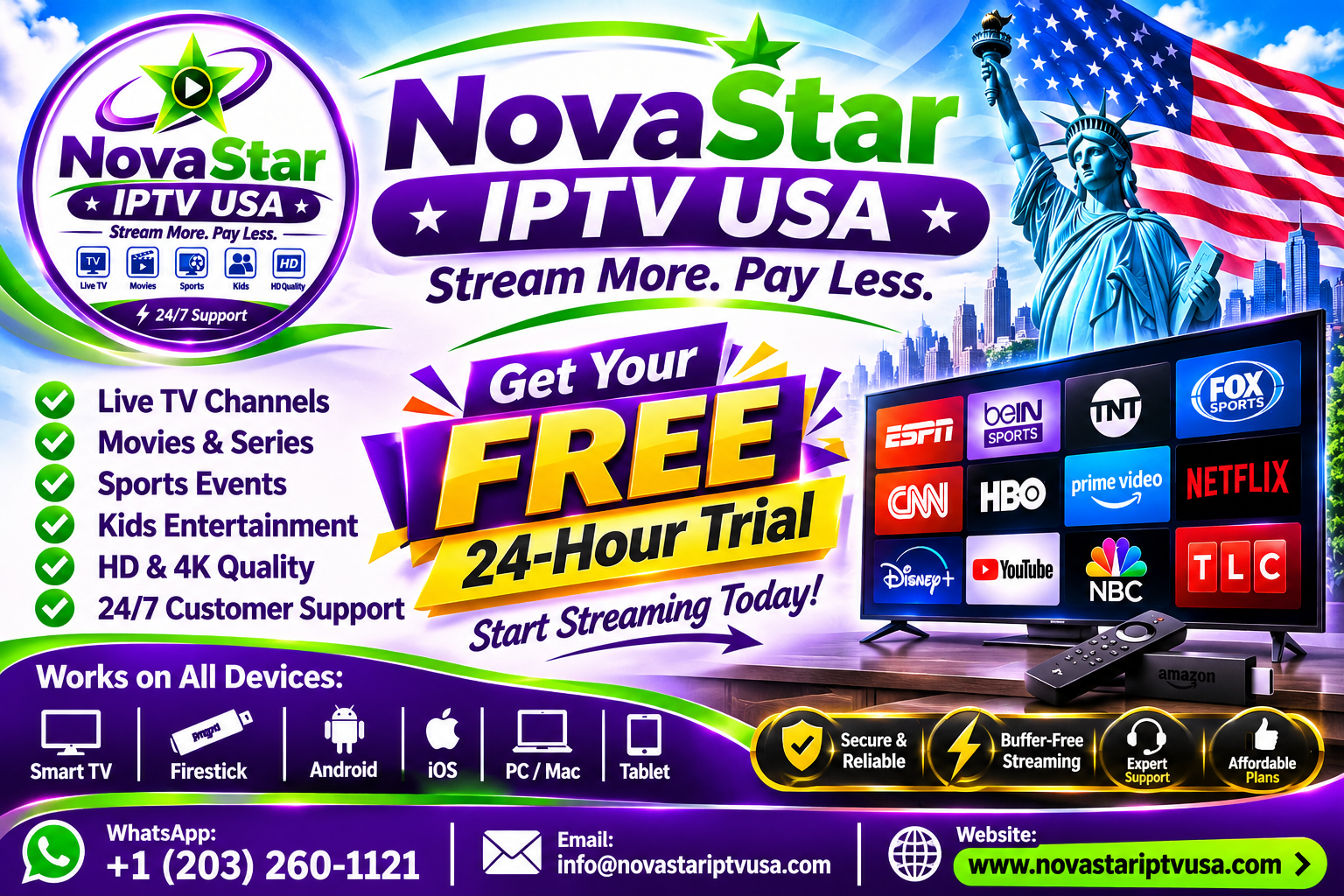
Explore NovaStar IPTV USA
If you are researching internet-based television options, you can explore NovaStar IPTV USA.
NovaStar IPTV USA provides information about its streaming service, subscription options, compatible devices, and customer support.
Its website also advertises a free 24-hour trial for interested users. You can visit the NovaStar IPTV free trial page to learn more about the trial and its conditions.
Before choosing a service, review the subscription terms, device compatibility, and content licensing information.
Is Firestick a Good Choice for IPTV?
For people who enjoy internet-based entertainment, Firestick offers a convenient streaming device with a simple interface and access to compatible applications.
However, the quality of the experience depends on several factors, including the IPTV application, provider, internet connection, and device model.
Taking time to compare available options and verify content authorization can help you make a better decision.
Final Thoughts
IPTV and Amazon Firestick can work together to provide a flexible internet-based television experience.
From live programming to on-demand entertainment, compatible streaming applications offer another way to enjoy digital content at home.
If you are exploring IPTV options in the United States, visit NovaStar IPTV USA to learn about its advertised features, supported devices, and subscription information.

 English
 Arabic
 French
 Spanish
 Portuguese
 Deutsch
 Turkish
 Dutch
 Russian
 Romaian
 Portuguese (Brazil)
 Greek