
How to Get More Customer Reviews on Google Business Profile
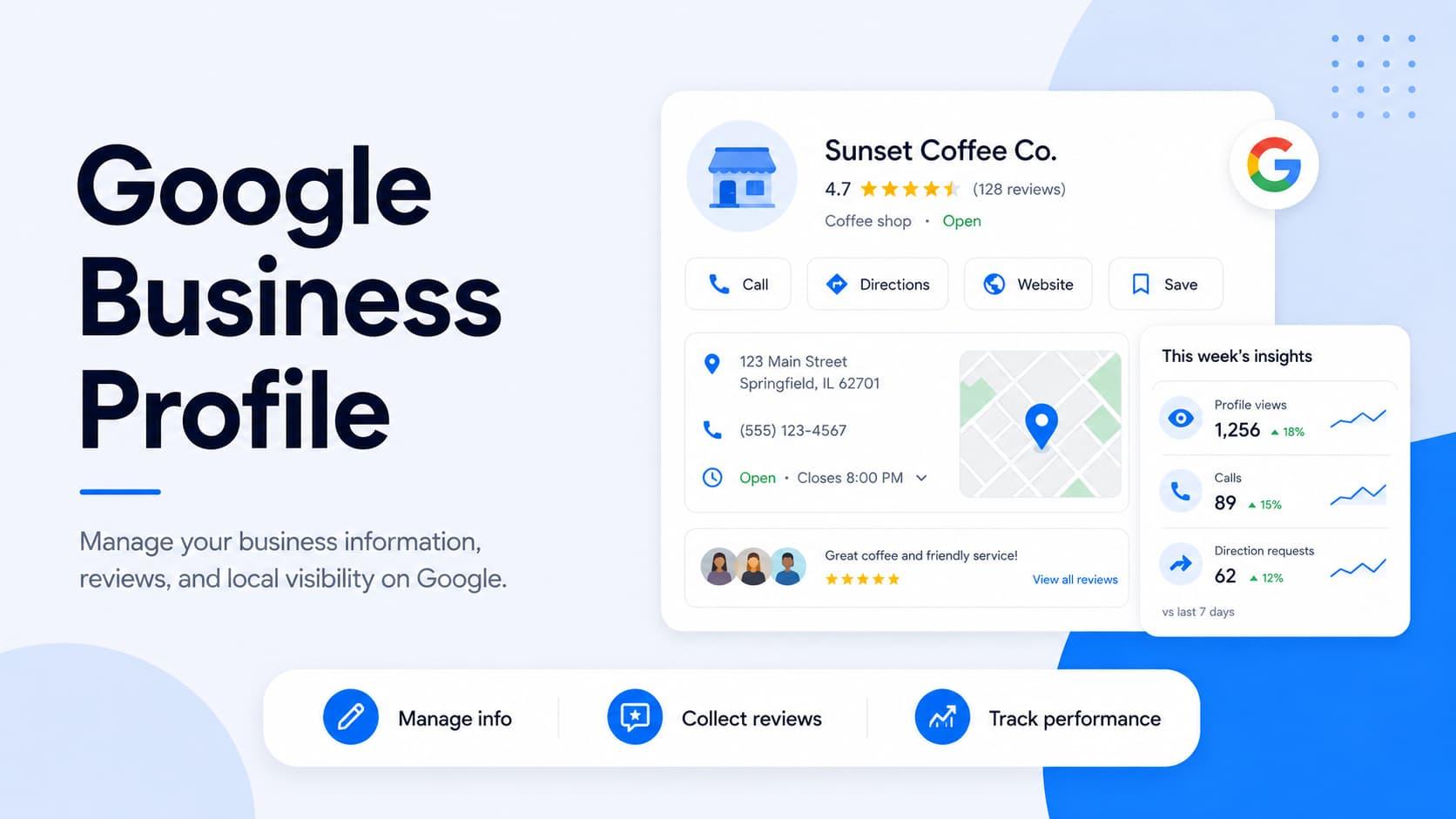
Customer reviews play an important role in building trust and attracting new customers online. When people search for a local business on Google, they often compare ratings, read customer experiences, and check recent feedback before deciding where to spend their money. A business with positive and genuine reviews can make a stronger first impression and encourage potential customers to get in touch.
Google Business Profile (GBP) provides businesses with a platform to display customer reviews directly in Google Search and Google Maps. These reviews help customers understand the quality of a company's products, services, and customer support. However, getting consistent reviews requires more than simply asking customers to leave feedback. Businesses need a clear strategy that makes the process easy, natural, and professional.
In this guide, we will explore practical ways to get more customer reviews on Google Business Profile, encourage genuine feedback, and use reviews to strengthen your online reputation.
1. Understand Why Google Business Profile Reviews Matter
Google reviews influence how potential customers perceive a business. Before contacting a company, many people look at its overall rating and read comments from previous customers.
Positive reviews can help businesses:
-
Build trust with potential customers.
-
Create a strong first impression.
-
Highlight customer satisfaction.
-
Understand what customers appreciate.
-
Identify areas that need improvement.
-
Strengthen their online reputation.
Reviews are also relevant to local SEO. Google's local search ranking systems consider relevance, distance, and prominence. Reviews can contribute to prominence and help customers evaluate businesses, although no particular review count or rating guarantees higher rankings.
For this reason, businesses should make customer feedback an important part of their local marketing strategy.
2. Provide Excellent Customer Service First
The best way to earn positive reviews is to provide customers with a positive experience. Customers are more likely to share feedback when a business meets their expectations, communicates clearly, and delivers reliable service.
Businesses should focus on:
-
Providing professional customer support.
-
Responding to customer questions quickly.
-
Delivering products or services as promised.
-
Maintaining clear communication.
-
Resolving customer complaints professionally.
-
Following up when additional assistance is needed.
For example, a local auto repair shop can improve customer satisfaction by explaining repair recommendations, providing transparent estimates, and completing work within the agreed timeframe.
A satisfied customer may be happy to recommend the business to others. Therefore, customer experience should always come before review collection.
3. Create a Direct Google Review Link
One of the easiest ways to receive more customer reviews is to make the process simple. If customers have to search for your business, open your profile, and find the review section themselves, some may leave before completing the process.
Google Business Profile allows eligible businesses to create a direct review link that takes customers to the review-writing section.
You can use this link in different places, including:
-
Follow-up emails.
-
Customer service messages.
-
Business websites.
-
Digital receipts.
-
Appointment confirmation messages.
-
Printed materials with a QR code.
To find your review link, open your Google Business Profile, locate the option to request reviews, and copy the available review link.
Make sure the link directs customers to the correct business profile. Test it before sharing it with customers.
4. Ask Customers for Reviews at the Right Time
Timing can make a difference when requesting customer feedback. Businesses should ask customers after they have received the product or service and had a reasonable opportunity to evaluate their experience.
For example:
-
A restaurant can request feedback after a dining experience.
-
A repair shop can ask after completing a vehicle repair.
-
A salon can request feedback after an appointment.
-
A home service company can ask after finishing a project.
The request should feel natural rather than forced. Employees can politely mention that the business appreciates honest feedback.
A simple message could be:
"Thank you for choosing our business. We appreciate your support. If you have a moment, please share your honest experience through our Google review link."
Avoid repeatedly contacting customers who have already declined to leave a review.
5. Use QR Codes to Make Reviewing Easier
QR codes are another practical way to help customers access your Google review page. Customers can scan the code using their smartphones and open the review link without manually searching for the business.
You can place a review QR code on:
-
Reception desks.
-
Printed invoices.
-
Business cards.
-
Appointment cards.
-
Customer information sheets.
-
Table displays.
For example, an auto repair business can place a QR code on its service invoice. After collecting their vehicle, customers can scan the code and share their experience.
Keep the design simple and include a short instruction such as "Share Your Honest Feedback on Google."
Remember that the QR code should only make it easier to access the review page. It should not be used to pressure customers or offer rewards for positive feedback.
6. Send Professional Follow-Up Messages
A follow-up message is an effective way to remind customers that their feedback is valuable. Businesses can send a short email or message after completing a transaction or service.
A good follow-up message should include:
-
A polite thank-you.
-
A short reminder about the customer's experience.
-
A direct Google review link.
-
A friendly and professional tone.
For example:
"Thank you for choosing us! We hope you had a positive experience. Your honest feedback helps us improve our services and helps other customers make informed decisions. You can share your experience here: [Google Review Link]."
Avoid sending too many reminders. A single well-timed request is usually more appropriate than repeatedly asking the same customer.
7. Train Employees to Request Reviews Naturally
Employees interact with customers throughout the buying process, making them important contributors to customer satisfaction and review collection.
However, employees should understand how to request feedback without making customers uncomfortable.
Train staff to:
-
Provide helpful and respectful service.
-
Explain how customers can find the review link.
-
Ask for honest feedback politely.
-
Avoid requesting only five-star reviews.
-
Never pressure customers to leave feedback.
-
Avoid offering rewards in exchange for reviews.
A natural request at the end of a successful interaction can encourage customers to share their experience.
Businesses should also establish consistent guidelines so that employees follow the same ethical review-request process.
8. Respond to Every Customer Review
Getting reviews is only one part of managing your online reputation. Responding to customer feedback shows that your business values customer opinions.
When customers leave positive reviews, thank them and acknowledge their experience.
For example:
"Thank you for sharing your experience with us. We appreciate your support and look forward to serving you again."
Negative reviews also deserve professional attention. Avoid arguing with customers or sharing private information in public responses.
Instead:
-
Thank the customer for their feedback.
-
Acknowledge their concern.
-
Apologize when appropriate.
-
Offer to investigate the issue.
-
Provide a suitable private contact method.
Professional responses can demonstrate that the business takes customer concerns seriously.
9. Never Buy Fake Reviews or Offer Incentives
Businesses sometimes consider purchasing reviews or offering discounts to encourage customers to leave positive feedback. These approaches can create serious problems.
Google prohibits fake engagement and incentivized reviews. Businesses should not:
-
Purchase reviews from third-party sellers.
-
Create reviews using fake accounts.
-
Ask employees to post misleading reviews.
-
Offer discounts or gifts in exchange for reviews.
-
Request only positive reviews.
-
Discourage customers from posting negative feedback.
Instead, ask all customers for honest feedback without influencing what they write.
Authentic reviews provide more useful information to potential customers and help businesses build a trustworthy reputation.
10. Make Review Requests Part of Your Marketing Strategy
Review collection should not be a one-time activity. Businesses can develop a simple process that encourages genuine feedback throughout the year.
For example, a company can:
-
Add a review link to its email follow-up process.
-
Display a QR code at its physical location.
-
Train customer-facing employees.
-
Monitor new reviews regularly.
-
Respond to customer feedback.
-
Review customer comments to identify recurring issues.
Businesses can also incorporate reputation management into their broader local SEO strategy. A properly maintained Google Business Profile should include accurate business information, relevant categories, updated services, current photos, and genuine customer reviews.
Companies that need professional support can explore Google Business Profile optimization to improve their profile management and local search presence.
11. Monitor Your Google Reviews and Customer Feedback
Regularly monitoring reviews helps businesses understand customer expectations and identify opportunities for improvement.
Pay attention to:
-
Overall customer ratings.
-
The number of new reviews.
-
Common positive comments.
-
Repeated complaints.
-
Customer service concerns.
-
Feedback about specific products or services.
For example, if several customers mention slow response times, the business may need to improve its communication process.
Similarly, if customers frequently praise a particular service, the company can use that feedback to understand what makes its customer experience successful.
Do not focus only on the overall star rating. The details in customer comments can provide valuable insights into business performance.
12. Build a Long-Term Review Management Process
Consistency is more important than collecting a large number of reviews in a short period. Businesses should create a repeatable process that makes requesting and responding to feedback part of everyday operations.
A simple review management process can include:
Step 1: Deliver quality service. Make sure customers receive the experience promised by the business.
Step 2: Share the review link. Provide customers with an easy way to access the Google review page.
Step 3: Request honest feedback. Ask politely without offering incentives or influencing the review.
Step 4: Respond professionally. Thank customers and address concerns appropriately.
Step 5: Analyze feedback. Identify common themes and use them to improve customer service.
Step 6: Review progress. Monitor feedback over time and adjust your approach when necessary.
This process helps businesses develop a more organized approach to online reputation management.
Conclusion
Getting more customer reviews on Google Business Profile requires excellent customer service, clear communication, and a consistent review-request strategy. Businesses can encourage genuine feedback by sharing direct review links, using QR codes, sending professional follow-up messages, and training employees to request reviews naturally.
It is equally important to respond to positive and negative feedback professionally, avoid fake reviews, and use customer comments to improve business operations.
Remember that the goal should not simply be to collect more five-star ratings. The real objective is to build customer trust, maintain a positive online reputation, and create better experiences that encourage people to recommend your business.

 English
 Arabic
 Spanish
 Portuguese
 Deutsch
 Turkish
 Dutch
 Italiano
 Russian
 Romaian
 Portuguese (Brazil)
 Greek