
How to Use IPTV While Traveling Without Creating Setup Problems
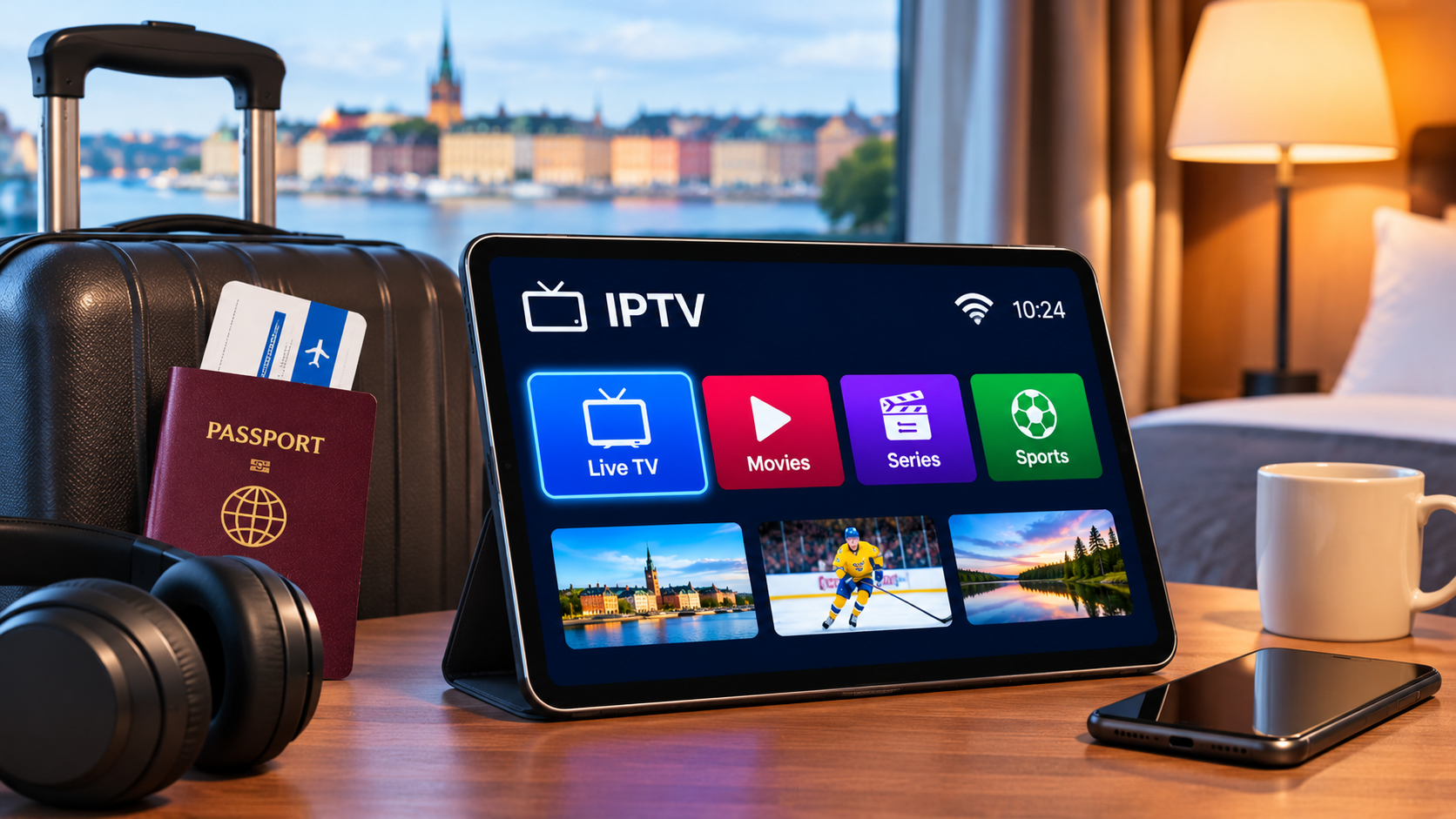
Watching IPTV away from home can be convenient, but travel introduces a few variables that do not usually matter when streaming from the same living room every day. Different Wi-Fi networks, hotel restrictions, mobile data limits, device compatibility, and account rules can all affect how smoothly IPTV works.
For viewers in Sweden who also travel within Europe or abroad, a little preparation can make the experience much easier.
Check Whether Your Device Is Practical for Travel
The first question is not which app to use. It is which device makes sense to carry.
A Smart TV obviously stays at home, so travelers usually rely on:
-
Smartphones
-
Tablets
-
Laptops
-
Compact streaming sticks
-
Small Android TV devices
A phone or tablet is the easiest option because it already has internet access and does not require additional cables.
A streaming stick can be useful in hotels or holiday apartments, but only if the television has an available HDMI port and the network setup allows the device to connect properly.
Hotel Wi-Fi Can Be Different From Home Wi-Fi
Hotel internet often behaves differently from a normal home network.
Some networks require users to open a browser and accept terms before internet access is enabled. This is known as a captive portal.
That can be awkward on streaming devices because the login screen may not appear properly.
A phone or laptop usually handles these networks more easily.
If a streaming stick cannot connect, testing the network first on another device can help confirm whether the problem is the IPTV app or the hotel Wi-Fi itself.
Public Wi-Fi May Be Slow or Congested
A hotel can advertise fast internet, but dozens of guests may be sharing the same connection.
Performance can change dramatically between morning and evening.
If IPTV works well during the day but buffers heavily at night, congestion may be the reason.
Before changing app settings, try:
-
Testing another stream
-
Moving closer to the access point
-
Using mobile data if appropriate
-
Reducing other downloads
-
Restarting the device
Travel networks are less predictable than home broadband, so occasional performance changes are normal.
Keep Mobile Data Usage in Mind
Streaming video can use a significant amount of mobile data.
This matters when watching IPTV through a phone hotspot or directly on a smartphone.
Higher-resolution streams generally use more data than lower-resolution ones.
Anyone with a limited mobile plan should check their data allowance before watching for long periods.
It can also help to lower the playback quality when the app or stream provides that option.
Test Your IPTV App Before Leaving Home
Travel is not the best time to discover that an app needs an update or that you have forgotten your login details.
Before leaving, open the IPTV player on the device you plan to take and confirm that:
-
The app launches correctly
-
Login details still work
-
Channels load
-
Favorites are available
-
EPG works if needed
-
The device has enough storage
This simple check can prevent unnecessary troubleshooting later.
Save Important Login Details Securely
Some IPTV apps require M3U links, Xtream-style credentials, portal details, or account information.
If the app logs out during travel, you may need those details again.
Store them securely rather than relying on memory or leaving them in an unprotected note.
Do not share subscription credentials with other people, especially on public devices.
Check Simultaneous Connection Rules
Some subscriptions allow access on more than one device, while others permit only one active stream at a time.
This becomes important when someone is watching at home while another person tries to use the same subscription while traveling.
Users comparing IPTV subscriptions, supported devices, and viewing options in Sweden can include Bästa IPTV as part of their research.
It is worth checking the service terms before assuming that the same login can be used simultaneously in several locations.
Be Careful With Shared Televisions
Hotel televisions and holiday rental TVs are not your personal devices.
If you install an app or enter account information, make sure you sign out before leaving.
When possible, using your own streaming stick is often better because your login stays on a device you control.
If you do use a shared TV, remember to:
-
Sign out of the IPTV app
-
Remove saved credentials
-
Disconnect linked devices
-
Clear the app if necessary
A few minutes at checkout can prevent someone else from accessing your account.
A Streaming Stick Can Be Convenient
Travelers who watch a lot of IPTV may prefer carrying a Fire TV Stick, Android TV stick, or similar device.
This keeps the familiar apps and settings available wherever a suitable television is provided.
A small travel kit might include:
-
Streaming stick
-
Remote
-
Power adapter
-
HDMI extension cable
-
Charging cable
Do not assume the television's USB port will provide enough power. Bringing the correct adapter is safer.
Use Favorites Instead of Browsing Everything
Travel viewing is often more casual than watching at home.
You may only want news, sports, or a few familiar channels.
A short favorites list can make the app easier to use on a smaller device or unfamiliar television.
Set this up before traveling rather than organizing a large playlist in a hotel room.
EPG Times May Look Different
Traveling between time zones can affect how program schedules appear.
Some IPTV players use the device's local time automatically, while others rely on EPG settings.
If the guide looks one or two hours wrong, the stream itself may be fine. The issue may simply be the time setting.
Check:
-
Device timezone
-
IPTV player timezone
-
EPG offset settings
This is particularly useful when moving between countries.
Download Updates Before You Leave
Updating apps over hotel Wi-Fi is not always ideal.
Before traveling, update:
-
The IPTV player
-
Phone or tablet software
-
Streaming stick firmware
-
Relevant system apps
This reduces the chance of getting stuck with an update prompt on a slow connection.
Final Thoughts
Using IPTV while traveling can work well, but the setup is less predictable than at home.
The most useful preparation is simple: test the app before leaving, carry the right device and power accessories, understand the subscription's connection rules, and be cautious with shared televisions and public networks.
A compact setup with saved favorites and reliable login access can make travel viewing much easier without turning the trip into a troubleshooting session.

 English
 Arabic
 French
 Spanish
 Deutsch
 Turkish
 Dutch
 Italiano
 Russian
 Romaian
 Portuguese (Brazil)
 Greek