
From Cable to Internet TV: A Beginner-Friendly Guide to Setting Up Your Home Entertainment
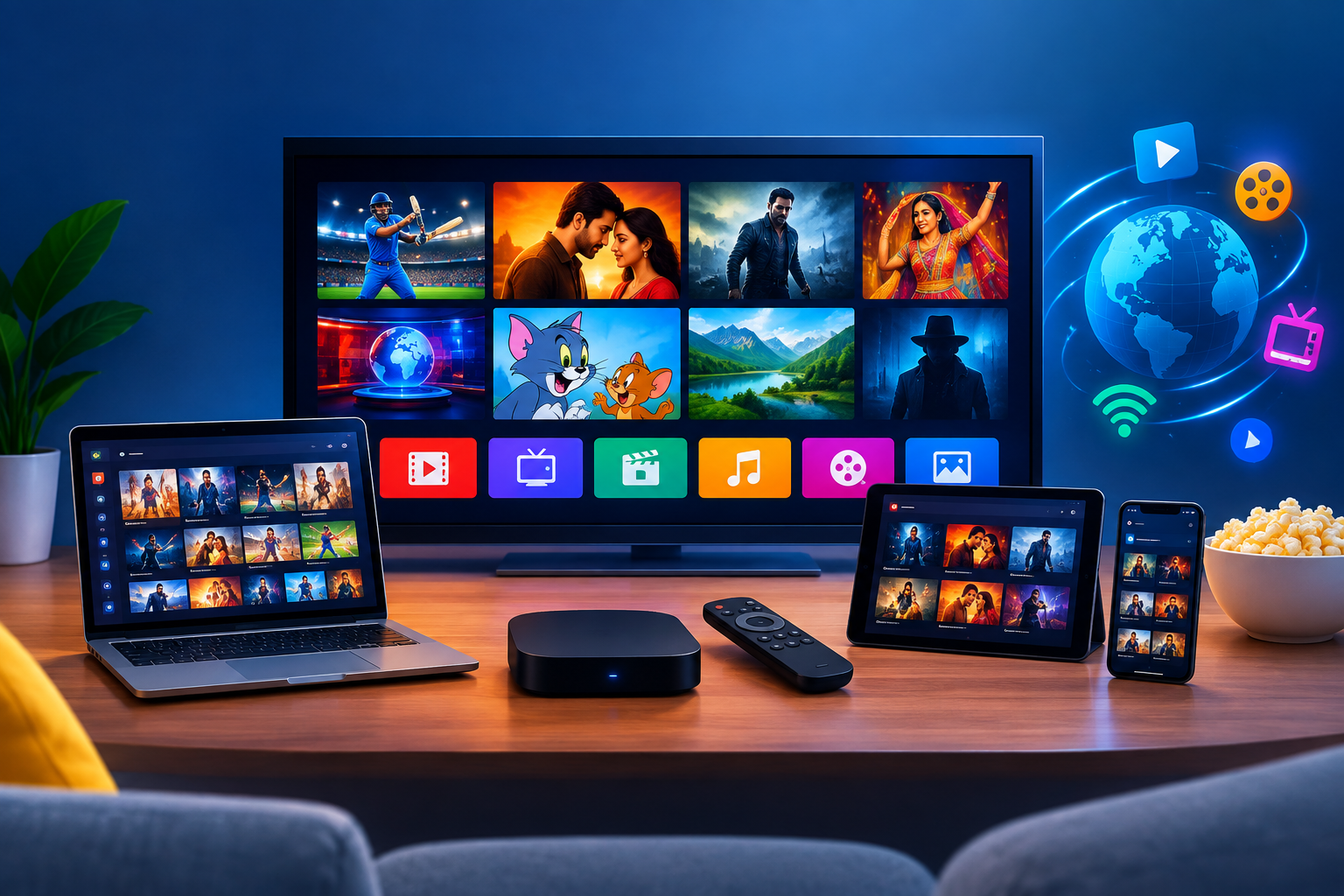
Traditional cable television can be convenient, but it may not always offer the flexibility, channel selection, or pricing that a household wants. If you are considering a change, internet television provides another way to watch programs using a compatible device and an internet connection.
An iptv service can deliver live television and, depending on the package, additional viewing features through an internet-based connection. For beginners, the goal is to find a reliable option that works with existing equipment, provides the channels you need, and is simple enough for everyone in the household to operate.
What Changes When You Move Away From Cable?
The biggest difference is how television reaches your screen. Traditional cable generally uses a cable network, while internet-delivered television sends video content through an internet connection.
This change can offer greater flexibility, but it also introduces a few things to check. Your internet connection needs to be reliable, your equipment must be compatible, and the provider must support the channels and features you want.
Internet television does not automatically mean that every channel is available or that every package includes on-demand content. Those details depend on the provider's offering and content distribution rights.
Before making a decision, consider what you like about your current setup and what you want to improve. Perhaps you want more regional channels, a simpler monthly bill, or the ability to watch on a supported tablet as well as your television.
Write down your priorities before comparing packages. This will help you focus on useful improvements rather than features you may never use.
Choosing the Right Setup for Your Living Room
You do not necessarily need to purchase a new television. The equipment you already own may be sufficient, depending on compatibility.
A smart television may support a suitable application directly. Other models may require an external streaming device or a dedicated television box. Some providers also support computers, tablets, and smartphones.
Start by checking your television's model and operating system. Visit the manufacturer's documentation or settings menu to identify the device accurately.
Then verify the following with the provider:
-
Whether your television is supported.
-
Which application you need to install.
-
Whether a separate box or streaming device is required.
-
Whether additional equipment charges apply.
-
How many devices and simultaneous streams are allowed.
If you need a separate device, compare its price, compatibility, warranty, and return conditions. Avoid purchasing hardware simply because a seller claims it is essential.
A beginner-friendly setup should have clear instructions and a straightforward interface. If you are unsure about installation, ask whether the provider offers step-by-step guidance before paying.
Step-by-Step: Getting Your Television Online
Once you have selected compatible equipment, the setup process is usually easier when completed in a logical order. Exact instructions vary by device and provider, so follow the official guidance supplied for your equipment.
Step 1: Check the internet connection.
Make sure your television or streaming device can connect to your home network. Open another supported application or run a connection test if the device permits it.
Step 2: Install the approved application.
If an application is required, use the official application store or the provider's verified instructions. Avoid unknown downloads that request unnecessary permissions.
Step 3: Sign in securely.
Enter the account details supplied by the provider. Check that you are using the correct login information and keep your password private.
Step 4: Open the channel guide.
Allow the application to load its available content. Browse the channel list and locate a few programs your household watches regularly.
Step 5: Test the playback.
Open several channels and watch long enough to check whether video and audio remain synchronized. Try the service at the time you normally watch television.
Step 6: Learn the basic controls.
Show everyone how to change channels, return to the menu, adjust volume, and find the program guide. If favorites are available, use them to make frequently watched channels easier to locate.
Following these steps can help you identify setup problems before they become part of your everyday viewing routine.
Building a Reliable Home Network
Streaming quality depends on the internet connection as well as the television package. A weak Wi-Fi signal may cause interruptions even when your internet plan appears suitable.
Begin by running a speed test near the television and comparing the result with the provider's recommended requirements. Repeat the test during your usual viewing hours to see whether performance changes.
If the signal is inconsistent, move the router to an open, central location where possible. Avoid placing it behind large obstructions or inside an enclosed cabinet.
A compatible Ethernet connection can be useful when Wi-Fi coverage is unreliable. If you cannot connect by cable, consider whether the router's location or the distance between devices may be affecting performance.
Household activity also matters. Online gaming, video calls, file downloads, and several simultaneous streams can compete for available bandwidth.
If playback freezes, troubleshoot before changing your internet plan. Test another channel, check whether other applications work, and restart the streaming application if appropriate.
When contacting support, explain whether the problem affects one channel, one device, or the entire service. This detail can help narrow down the possible cause.
Understanding Channels, Features, and Package Limits
Not every internet television package provides the same selection of content. Some focus on live channels, while others may include on-demand programming or catch-up features.
Make a list of your essential networks and compare it against the provider's current channel guide. If you need a particular regional broadcaster or sports channel, confirm that it is included before paying.
Also check the program guide and available search features. These can make a large channel list easier to navigate, particularly for people who are new to streaming.
Understand the difference between registered devices and simultaneous streams. A package may permit you to use multiple devices but restrict how many can play at once.
Ask whether there are regional restrictions or changes to channel availability. Content distribution rights can affect what a provider is able to offer.
If a trial is available, use it to test the features you care about. A short practical test is more informative than relying entirely on promotional screenshots or a sales demonstration.
Budgeting for the Complete Experience
A package's advertised monthly price may not include every cost. Equipment, activation, installation, and renewal charges can affect what you ultimately pay.
Compare packages over the same period. If one option offers monthly billing and another offers an annual payment, calculate the full cost of each and include any additional fees.
Longer subscriptions may reduce the average monthly expense, but they require a greater upfront commitment. If you are unfamiliar with a provider, a shorter plan or available trial can offer more flexibility while you evaluate the service.
Read the terms before paying. Check automatic renewal, cancellation procedures, and refund eligibility. Save the receipt and confirmation email so you can refer to the details later.
You should also verify that the provider is authorized to distribute the channels it advertises. Be cautious when sellers avoid questions about their business, promise unrealistic channel availability, or pressure you into paying immediately.
Keeping Your Television Easy to Use
Once everything works, spend a little time making the interface comfortable for everyday use. Organize favorite channels if the application supports them, and learn how to access the program guide without navigating through multiple menus.
Keep device software and supported applications updated. Updates may address compatibility issues or improve performance, although available features depend on the equipment and manufacturer.
Store account credentials securely and keep the provider's official support details available. If a channel disappears or playback becomes unreliable, note what happened before reporting the issue.
If children use the television, review the parental controls available through the device or application. Their functions vary, so check the settings rather than assuming every package offers identical protections.
Finally, review the experience after the first week. Confirm that your essential channels work, everyone can navigate the menus, and the overall cost matches your expectations.
Conclusion
Moving from cable to internet television is easier when you plan the setup, check your network, and understand the package before paying. Compare IPTV subscription options based on real household needs, evaluate transparent iptv providers, and review the complete iptv subscription Plan rather than focusing only on the advertised price. If your family enjoys international programming, check whether Arabic IPTV and specific Arabic IPTV Channels are included alongside the networks you already watch. Taking a practical approach to your chosen iptv service can help you build a comfortable, manageable television setup without unnecessary equipment purchases or unexpected costs.

 English
 Arabic
 French
 Spanish
 Portuguese
 Deutsch
 Turkish
 Dutch
Dutch
 Russian
 Romaian
 Portuguese (Brazil)
 Greek
Greek