
Can I Control IPTV With Alexa or Google Home?
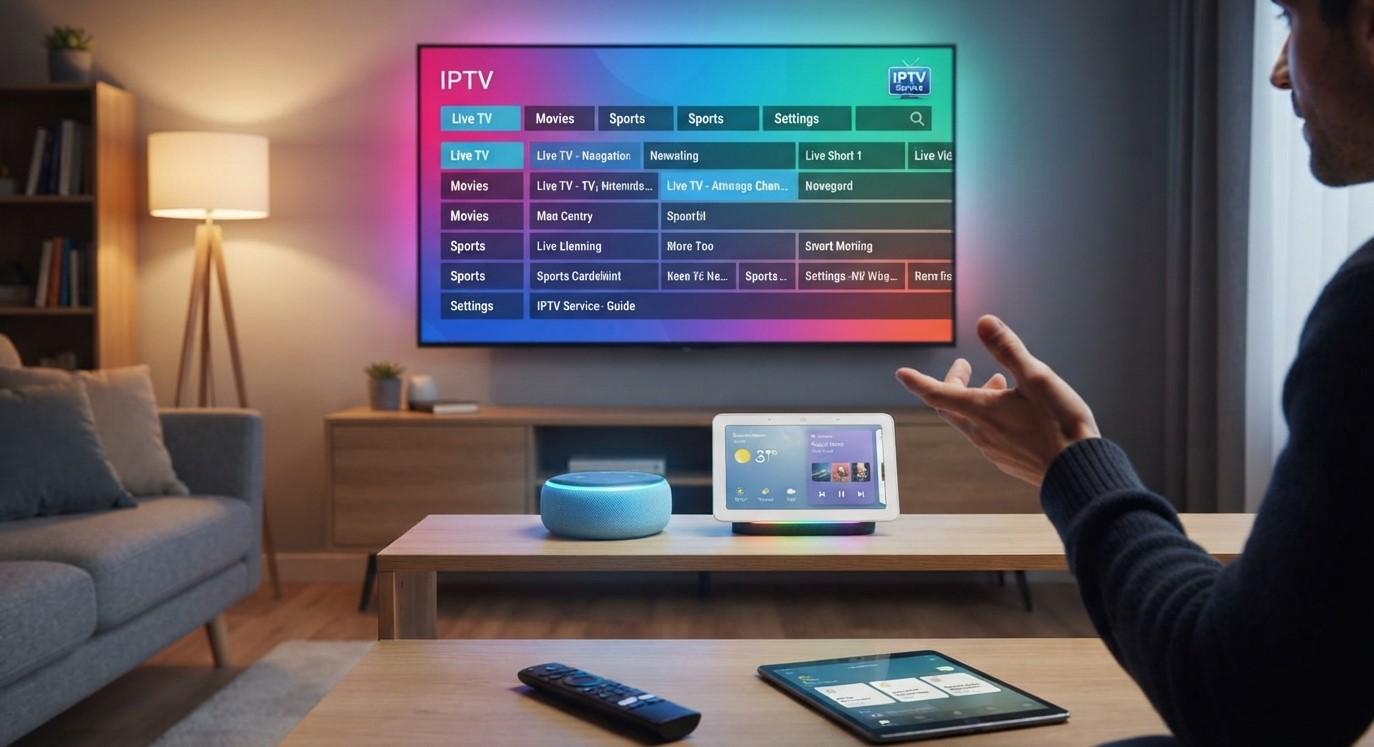
Voice assistants have become a common part of modern smart homes. Instead of reaching for a remote control, you can use commands such as "turn on the TV," "increase the volume," or "open an app."
This raises an important question for IPTV users: Can you control IPTV with Alexa or Google Home?
The short answer is sometimes. Voice control depends on the television, IPTV box, streaming device, IPTV application, and smart-home platform you are using. Alexa provides extensive voice controls for compatible Fire TV devices, while Google Assistant and Google Home can control compatible Chromecast, Google TV, Android TV, and Cast-enabled devices.
For people using IPTV India, voice control can make everyday television use more convenient. An Indian IPTV Box may also work with Alexa or Google Home if the box and its software support the appropriate smart-home integration.
Table of Contents
-
What Is Voice Control for IPTV?
-
Can Alexa Control IPTV?
-
Can Google Home Control IPTV?
-
What Determines Whether Voice Control Works?
-
Using Alexa With a Compatible IPTV Setup
-
Using Google Home With a Compatible IPTV Setup
-
What IPTV Commands Can You Use?
-
Can Voice Assistants Change IPTV Channels?
-
Can You Control an Indian IPTV Box With Voice?
-
Common Problems With IPTV Voice Control
-
Tips for a Better Voice-Controlled IPTV Setup
-
Privacy and Security Considerations
-
FAQs
-
Final Thoughts and CTA
1. What Is Voice Control for IPTV?
Voice control allows you to operate compatible television equipment using spoken commands instead of manually pressing buttons on a remote.
Depending on your setup, voice commands may allow you to:
-
Turn the TV on or off
-
Adjust the volume
-
Open an application
-
Play or pause compatible content
-
Change inputs
-
Search for content
-
Navigate supported services
-
Control other connected smart-home devices
However, voice assistants don't automatically control every IPTV application.
The voice assistant needs a compatible device or integration that understands the requested command.
For example, Google explains that voice control works with compatible Chromecast, Google TV Streamer, Android TV, and Google Cast devices, while Amazon provides Alexa controls for compatible Fire TV devices.
2. Can Alexa Control IPTV?
Yes, Alexa can control compatible television and streaming devices, but the level of control depends on the hardware and applications involved.
Amazon's official documentation explains that a compatible Alexa device can be linked to Fire TV and used to perform certain actions without a physical remote.
Depending on your equipment, Alexa may allow you to:
-
Turn the TV on or off
-
Adjust volume
-
Open supported applications
-
Browse supported live TV
-
Change channels
-
Open the TV guide
-
Control video playback
-
Switch inputs
For example, compatible Fire TV Smart TVs can respond to commands for volume, inputs, live-TV channels, and the TV guide.
The important distinction is that Alexa is controlling the compatible TV or streaming device, not necessarily the IPTV service itself.
If your IPTV application is not integrated with Alexa, Alexa may not understand commands specific to that application.
3. Can Google Home Control IPTV?
Google Home can also provide voice control for compatible television equipment.
Google's current documentation explains that Google Assistant and Gemini for Home can work with compatible Chromecast and Google TV devices. Google also supports voice control of compatible Android TV and Cast-enabled devices.
Possible commands include:
-
"Turn on the TV."
-
"Turn off the TV."
-
"Open YouTube."
-
"Pause."
-
"Resume."
-
"Stop."
-
"Turn up the volume."
Some functions depend on the application being controlled. Google specifically notes that certain media controls, such as next, previous, and seeking, are supported only by some Cast-enabled applications.
Therefore, simply having Google Home does not guarantee that every IPTV application will respond to every voice command.
4. What Determines Whether Voice Control Works?
Several parts of your setup determine whether Alexa or Google Home can control your IPTV experience.
Your Television
A modern smart TV may have built-in support for Alexa, Google Assistant, Google Cast, or another voice-control platform.
Your IPTV Box
The box may support a particular voice assistant or may work with an external smart-home platform.
Your Streaming Device
Devices such as Fire TV, Chromecast, or Google TV may provide voice-control features independently of the IPTV application.
Your IPTV Application
The application itself may or may not support voice search, casting, or external controls.
Your Network
Your smart speaker, TV, streaming device, and other equipment generally need to communicate through the appropriate network and account configuration.
This means there is no universal "Alexa IPTV" or "Google Home IPTV" button. Compatibility depends on the entire setup.
5. Using Alexa With a Compatible IPTV Setup
If you have compatible Fire TV equipment, setting up Alexa control can be relatively straightforward.
Step 1: Check Compatibility
Confirm that your Fire TV or television supports Alexa control.
Step 2: Update Your Devices
Make sure the Fire TV software and Alexa application are up to date. Amazon specifically lists current software and Alexa app requirements for Fire TV voice control.
Step 3: Use the Same Amazon Account
Amazon explains that Alexa and Fire TV devices need to be registered to the same account when linking them.
Step 4: Link the Devices
Use the Alexa app to connect the compatible Fire TV device.
Step 5: Test Basic Commands
Start with simple commands such as:
-
"Alexa, turn on the TV."
-
"Alexa, turn up the volume."
-
"Alexa, open the TV guide."
Once basic controls work, you can determine which additional functions your particular setup supports.
6. Using Google Home With a Compatible IPTV Setup
Google Home works with compatible Google TV, Chromecast, Android TV, and Cast-enabled equipment.
Step 1: Check Your Device
Make sure your TV or streaming device supports Google Assistant or Google Cast.
Step 2: Set Up Google Home
Add your compatible device to the Google Home application.
Step 3: Connect Your Devices
Google's setup instructions require compatible devices to be connected appropriately within the Google Home ecosystem.
Step 4: Choose Your Preferred TV
Google allows users to select a preferred TV for media playback, which can make voice commands more convenient.
Step 5: Test Commands
Try basic commands such as:
-
"Hey Google, turn on the TV."
-
"Hey Google, open YouTube on the TV."
-
"Hey Google, pause."
-
"Hey Google, resume."
The exact commands and available functions depend on your equipment and the application being used.
7. What IPTV Commands Can You Use?
There isn't one universal list of commands because IPTV systems vary.
However, compatible setups may support several categories.
Power Commands
You may be able to turn your TV or streaming device on and off.
Google notes that TV power control can require Chromecast and HDMI-CEC support.
Volume Commands
You may be able to say:
"Turn up the volume."
or:
"Mute the TV."
Application Commands
On supported platforms, you can ask the assistant to open applications.
For example:
"Open YouTube on the TV."
Playback Commands
Some compatible applications support:
-
Play
-
Pause
-
Resume
-
Stop
-
Rewind
-
Fast-forward
-
Next
The exact availability depends on the application and platform.
Channel Commands
Certain Fire TV setups can respond to commands such as opening the TV guide or changing to a channel or network.
Whether this works with your particular IPTV channel list is a separate compatibility question.
8. Can Voice Assistants Change IPTV Channels?
This is one of the most common questions.
The answer is possibly, but not universally.
If your television or streaming device supports voice-controlled live-TV navigation, you may be able to use voice commands to change channels.
Amazon's documentation, for example, lists commands for opening the TV guide and changing to a channel or network on compatible Fire TV Smart TVs.
However, that does not mean Alexa can automatically change channels inside every third-party IPTV application.
The application needs to expose the appropriate controls to the platform.
If your IPTV application does not support voice commands, you may still be able to use Alexa or Google Home for general TV functions such as volume, power, and launching supported applications.
9. Can You Control an Indian IPTV Box With Voice?
An Indian IPTV Box may be controllable with Alexa or Google Home, but this depends on the specific device and its software.
Before purchasing or configuring a box, check whether it supports:
-
Alexa
-
Google Assistant
-
Google Home
-
Google Cast
-
HDMI-CEC
-
Voice-enabled remote controls
-
Compatible Android TV features
If the box runs a compatible Android TV or Google TV environment, some Google voice functions may be available.
Similarly, if your IPTV setup uses compatible Fire TV hardware, Alexa controls may be available.
The key point is that the IPTV box must support the necessary integration. Simply calling a device an "IPTV box" does not guarantee smart-home compatibility.
10. Common Problems With IPTV Voice Control
Voice control can be convenient, but it isn't always perfect.
The IPTV App Doesn't Respond
Your assistant may recognize the TV but not the IPTV application.
This usually means the application doesn't support the requested voice function.
The Wrong Device Responds
If you have multiple TVs or streaming devices, the assistant may need the device name in the command.
Google recommends selecting a preferred TV or specifying the device when necessary.
HDMI-CEC Is Disabled
Google notes that compatible HDMI-CEC functionality may be necessary for certain TV power controls.
Devices Are Not Properly Linked
Your smart speaker, TV, streaming device, and account may need to be linked correctly.
Software Is Outdated
Older firmware or applications can cause compatibility problems.
Voice Recognition Problems
Background noise, accents, unusual device names, or unclear commands can sometimes make voice recognition less reliable.
11. Tips for a Better Voice-Controlled IPTV Setup
Give Devices Simple Names
Instead of naming your TV something complicated, use a simple name such as "Living Room TV."
Keep Software Updated
Install appropriate updates for your TV, streaming device, and smart-home application.
Enable HDMI-CEC When Required
If your setup supports HDMI-CEC and requires it for power or device control, make sure it is enabled.
Use Clear Commands
Short, specific commands are generally easier for voice assistants to understand.
Check App Compatibility
Don't assume that every IPTV application supports voice search or playback controls.
Keep the Remote
Voice control is useful, but you should still keep the physical remote available for functions the voice assistant cannot perform.
12. Privacy and Security Considerations
Smart speakers and voice-enabled TVs can make television control easier, but households should also consider privacy.
Review the privacy settings of your Alexa, Google Home, TV, and IPTV applications.
Consider:
-
Which devices have microphones?
-
Which accounts are connected?
-
Who can issue voice commands?
-
What personal information is associated with the account?
-
Which applications have access to smart-home features?
If children regularly use the system, parents may also want to review voice-assistant settings and account permissions.
FAQs
1. Can Alexa control IPTV?
Alexa can control compatible TVs and streaming devices, including supported Fire TV equipment. Whether it can directly control an IPTV application depends on that application's compatibility.
2. Can Google Home control IPTV?
Google Home can control compatible Chromecast, Google TV, Android TV, and Google Cast devices. Direct control of a particular IPTV application depends on its supported integrations.
3. Can Alexa change IPTV channels?
It may be possible on compatible devices that support voice-controlled live-TV navigation. However, Alexa cannot necessarily change channels inside every IPTV application.
4. Can Google Assistant change IPTV channels?
It depends on the TV, streaming device, and IPTV application. Google provides voice controls for compatible TV and Cast devices, but third-party IPTV applications may have limited integration.
5. Does an Indian IPTV Box work with Alexa?
Some may, but compatibility depends on the particular Indian IPTV Box, operating system, software, and smart-home integration.
6. Does an Indian IPTV Box work with Google Home?
Some compatible Android TV, Google TV, Chromecast, or Cast-enabled devices can work with Google Home. Check the specifications of your particular box.
7. Can I use voice commands to open my IPTV app?
Possibly. If your TV or streaming platform supports opening that application through voice commands, you may be able to do so. Not every IPTV application supports this feature.
8. Do I need an Alexa or Google Home speaker?
Not always. Some TVs and streaming devices have built-in voice controls or voice-enabled remotes. External smart speakers can provide additional hands-free control where supported.
9. Why does Alexa control my TV but not my IPTV app?
The TV may be compatible with Alexa while the IPTV application is not. Voice assistants often have different levels of integration with different applications.
10. Is voice control available on every IPTV service?
No. Voice control depends on the combination of the IPTV application, TV, streaming device, operating system, and smart-home platform.
Final Thoughts
So, can you control IPTV with Alexa or Google Home? In many setups, yes—but the level of control depends heavily on the hardware and software you use.
Alexa works with compatible Fire TV equipment and can provide controls such as power, volume, application access, TV-guide navigation, and other supported functions. Google Home and Google Assistant can similarly control compatible Chromecast, Google TV, Android TV, and Cast-enabled devices.
For IPTV India users, the most important thing is to check the compatibility of the entire setup rather than the IPTV service name alone. If you're considering an Indian IPTV Box, look for support for Google Assistant, Alexa, Google Cast, HDMI-CEC, or other relevant technologies.
Voice control can make everyday television use more convenient, but it works best when the TV, IPTV application, streaming device, and smart-home platform are designed to work together.
CTA
Want to make your home entertainment setup easier to control? Explore IPTV India options and check whether your preferred Indian IPTV Box supports Alexa, Google Home, Google Assistant, Google Cast, or other smart-home features. Choose compatible equipment and a legitimate IPTV service to enjoy a smoother and more convenient viewing experience.

 English
 Arabic
 French
 Spanish
 Portuguese
 Turkish
 Dutch
Dutch
 Italiano
 Russian
 Romaian
 Portuguese (Brazil)
 Greek
Greek