
Which Software Supports Bulk PST to MBOX Conversion? A Complete Guide
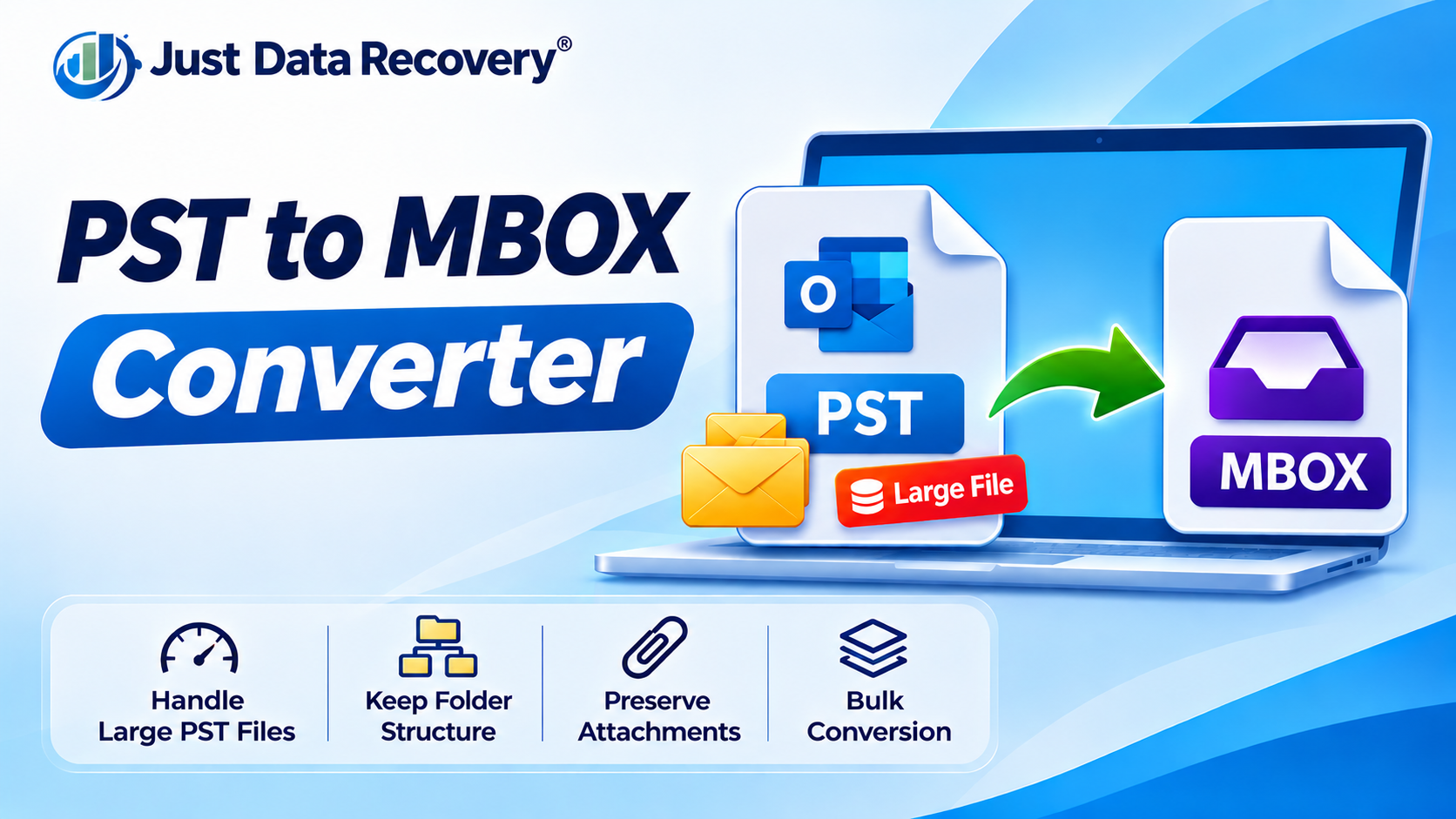
Do you have multiple Outlook PST files that need to be converted into MBOX format? Processing each mailbox individually can take considerable time, especially when businesses need to migrate email archives belonging to several employees or departments.
Bulk PST to MBOX conversion software helps simplify this task by allowing users to add multiple Outlook PST files and process them through a single conversion workflow. Instead of repeating the same steps for every mailbox, users can select several files, choose MBOX as the output format, and convert them according to the application's supported options.
However, not every PST to MBOX converter supports batch processing. Some applications handle only one PST file at a time, while others provide multiple-file selection or folder-based conversion.
This guide explores software options that advertise bulk PST to MBOX conversion, explains the features to compare, and provides a step-by-step migration process.
What Is Bulk PST to MBOX Conversion?
Bulk PST to MBOX conversion is the process of converting multiple Outlook PST files into MBOX mailbox files in one workflow.
A PST file is used by Microsoft Outlook to store email messages and other mailbox information. MBOX is a mailbox format supported by email applications such as Mozilla Thunderbird.
For example, a company may have 30 PST files belonging to different employees. Rather than selecting and converting each file separately, a batch-enabled converter may allow the administrator to add multiple PST files or an entire folder and process them together.
The exact process and number of files supported depend on the software.
Which Software Supports Bulk PST to MBOX Conversion?
Several software products advertise multiple-PST or batch-conversion capabilities. The following options are worth evaluating:
1. BitRecover PST to MBOX Converter
BitRecover's PST to MBOX Converter advertises bulk conversion of multiple Outlook PST files in a single process. Its published feature information also describes selective conversion options, including filters for email data. This may make it worth evaluating for users managing several Outlook archives. Source
2. Regain PST to MBOX Converter
Regain PST to MBOX Converter advertises batch conversion and the ability to process multiple PST files together. Its Microsoft Marketplace listing also describes folder-structure and attachment handling features. Users should test these capabilities with representative mailbox data before a full migration. Source
3. Cigati PST to MBOX Converter
Cigati PST to MBOX Converter advertises support for converting one or multiple PST files in a single session. Its published feature list also mentions selective conversion, date filtering, and mailbox preview. These options may be useful when users need to migrate selected email archives rather than every available mailbox. Source
4. SysInfo PST to MBOX Converter
SysInfo PST to MBOX Converter advertises bulk PST conversion and support for exporting mailbox data into several formats. Its listed features include folder-hierarchy handling and duplicate-email removal options. Check the product documentation to understand which features are available in the specific license you intend to purchase. Source
5. DataTBS PST to MBOX Converter
DataTBS describes its desktop converter as supporting batch conversion of multiple PST files or an entire folder of PST files. Its product information also mentions previewing mailbox contents before export. This may be relevant for users who prefer a desktop conversion workflow. Source
6. Softaken PST to MBOX Converter
Softaken advertises bulk export by allowing users to select multiple PST files or a folder containing PST archives. Its product page also describes preview, folder selection, and Windows compatibility. Verify the current version's system requirements and trial limitations before choosing it. Source
Important: These are vendor-published feature descriptions, not independent performance test results. Features, licensing conditions, file-size limits, and supported Windows versions can change. Confirm the current specifications directly with each vendor.
Important Features to Consider Before Choosing Bulk PST to MBOX Software
Selecting a batch converter requires more than checking whether it supports multiple files. Consider the following features before making a decision.
1. Multiple PST File Selection
The software should allow users to add several PST files or select a folder containing multiple archives. This is the central requirement for bulk conversion.
2. Folder and Subfolder Handling
Outlook mailboxes may contain Inbox, Sent Items, Drafts, and custom folders. Check how the converter handles nested folders and whether the resulting MBOX output maintains the organization you need.
3. Attachment Handling
Business emails often contain invoices, spreadsheets, PDFs, and other important documents. Test messages with different attachment types to confirm that the converted attachments remain accessible.
4. Email Preview
A preview feature helps users inspect the source mailbox before conversion. It can also help confirm that the correct PST files and folders have been selected.
5. Selective Conversion
Some tools allow users to convert selected folders or filter messages by date or other criteria. This can reduce unnecessary processing when only particular email records are required.
6. Windows Compatibility
Check whether the converter supports your operating system, such as Windows 11. Also review its memory, processor, disk-space, and installation requirements.
7. Data Security
For confidential business archives, review the software's privacy policy and data-processing practices. If local processing is important, confirm whether the converter works offline and whether activation or licensing requires an internet connection.
How to Convert Multiple PST Files to MBOX in Bulk
Although the interface varies between products, the general workflow is similar.
Step 1: Collect the PST Files
Identify all Outlook PST files that need conversion. Organize them into a dedicated folder and record which mailbox belongs to which user or department.
Step 2: Create Backups
Make separate copies of the original PST files before conversion. Store them securely and avoid modifying the backup copies.
Step 3: Install Bulk PST to MBOX Converter Software
Choose a converter that explicitly supports batch processing and is compatible with your Windows environment.
Step 4: Add Multiple PST Files
Open the application and use its file-selection or folder-selection option to add the required PST archives.
Step 5: Preview the Mailboxes
If preview is available, inspect the selected files and folders. Confirm that the correct mailboxes have been added.
Step 6: Select MBOX as the Output Format
Choose MBOX as the destination format. Configure folder selection or available filters if required.
Step 7: Choose the Destination Folder
Select a storage location with sufficient free disk space. For large migrations, organize the output so that each mailbox can be identified easily.
Step 8: Start Batch Conversion
Begin the process and allow the application to complete the conversion. Avoid interrupting the software while it is processing files.
Step 9: Verify the Converted Mailboxes
Inspect the generated MBOX files and import them into a compatible email application, such as Thunderbird, using its supported import method.
Check email content, attachments, dates, and folder organization before approving the migration.
Benefits of Bulk PST to MBOX Conversion
-
Saves time: Multiple PST files can be processed through one workflow.
-
Reduces repetitive work: Users do not need to repeat every conversion step manually.
-
Supports business migration: IT teams can organize the conversion of multiple employee archives.
-
Improves workflow management: Folder-based selection can make large migration projects easier to organize.
-
Helps prepare email archives: MBOX output can be imported into compatible email applications.
Actual time savings depend on mailbox size, computer resources, and the converter's processing capabilities.
Frequently Asked Questions
1. Which software supports bulk PST to MBOX conversion?
BitRecover, Regain, Cigati, SysInfo, DataTBS, and Softaken advertise multiple-PST or batch-conversion capabilities. Verify current features and licensing with the respective vendors.
2. Can I convert 10 or 20 PST files at once?
Some batch converters allow multiple PST files to be added in one session. The practical number of files depends on the software's limits and your computer's available resources.
3. Can bulk conversion preserve email attachments?
Many converters advertise attachment handling, but results depend on the product and its settings. Test several messages and attachment types before migrating all files.
4. Do I need Outlook installed for bulk conversion?
Some dedicated converters can process PST files without Microsoft Outlook installed. Check the selected application's system requirements.
5. Can I import the converted MBOX files into Thunderbird?
Yes. Thunderbird supports MBOX mailboxes, but you must use a compatible import workflow or extension. Thunderbird does not natively open PST files.
6. Is bulk PST to MBOX conversion suitable for businesses?
Yes. It can be useful when organizations need to migrate multiple employee mailboxes or historical email archives. Businesses should back up source files, protect confidential information, and verify the converted data.
Conclusion
Bulk PST to MBOX conversion software can make Outlook email migration more manageable when several PST files need to be processed. Tools such as BitRecover, Regain, Cigati, SysInfo, DataTBS, and Softaken advertise batch-conversion capabilities, but their features and limitations differ.
Before selecting a solution, compare multiple-file support, attachment handling, folder organization, preview options, Windows compatibility, and data-security practices. Run a trial conversion with representative PST files and verify the MBOX output before starting a complete migration.

 English
 Arabic
 French
 Spanish
 Portuguese
 Deutsch
 Turkish
 Italiano
 Russian
 Romaian
 Portuguese (Brazil)
 Greek