
Cloud Gaming Computer vs. Traditional Gaming PC
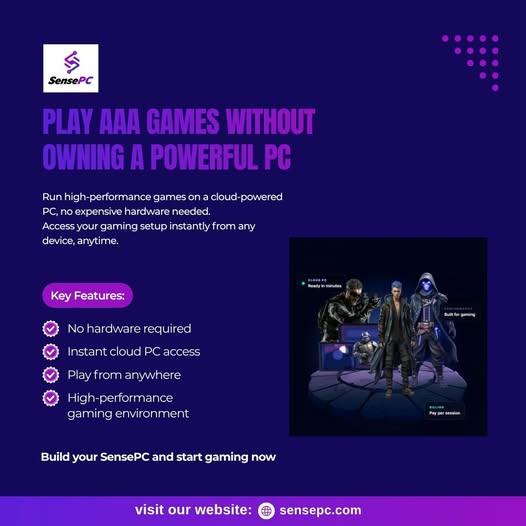
A cloud gaming computer performs many of the same computing tasks as a physical gaming PC, but the hardware is hosted remotely.
With a traditional PC, the user purchases the components and is responsible for upgrades, repairs, cooling, and maintenance.
With a cloud gaming setup, the provider manages the underlying infrastructure. The user instead pays for access to the remote computing environment.
| Traditional Gaming PC | Cloud Gaming Computer |
|---|---|
| Hardware is owned locally | Hardware is hosted remotely |
| Requires upfront hardware investment | Access is generally service-based |
| User manages upgrades | Provider manages server hardware |
| Can operate offline for suitable games | Requires an internet connection |
| Performance depends on local components | Performance depends on cloud configuration and network |
Cloud computing therefore changes the ownership model rather than eliminating the need for computing resources.
What Makes a Good Cloud Gaming PC?
When comparing a cloud gaming PC, start with the games you actually want to play.
GPU Resources
The GPU is one of the most important components for graphics-intensive games. Look for specific GPU information rather than relying only on descriptions such as "high performance."
CPU and Memory
Some games are more CPU-intensive than others. Sufficient RAM is also important when running games alongside other applications.
Storage
Modern games can require substantial storage. Check the available capacity and whether storage persists between sessions.
Network Latency
Because the game is running remotely, latency can affect responsiveness. A stable connection with a suitable route to the provider's servers is important for interactive gaming.
Game Compatibility
Not every game necessarily works with every cloud PC environment. Check operating-system requirements, game-store compatibility, anti-cheat restrictions, and provider policies before subscribing.
How to Compare Cloud Gaming Services
People searching for the best cloud gaming service should first define what "best" means for their particular requirements.
For one gamer, the most important factor might be hourly pricing. Another person may prioritize GPU performance, server availability, controller support, or access to a particular game library.
A useful comparison should therefore consider:
Price: How much will the service cost based on your actual gaming schedule?
Performance: Does the available CPU and GPU meet the requirements of your games?
Latency: How responsive is the service from your location?
Game support: Can you install or access the games you already own?
Device support: Can you connect from your Windows PC, Mac, laptop, or other supported device?
Session model: Does the service provide the amount of usage time you need?
Looking at these factors provides a more useful comparison than simply choosing a service because it appears high in a search result or review list.
Can a Cloud Gaming PC Replace a Local PC?
For some users, a cloud gaming PC can reduce the need for a high-end local gaming machine. A lightweight laptop, for example, may be able to access a remote gaming environment that provides substantially more computing power.
However, cloud gaming does not completely replace local hardware in every situation.
Users remain dependent on:
- A reliable internet connection
- Suitable network latency
- Service availability
- Supported games
- Cloud hardware availability
- The provider's pricing and policies
People who regularly play offline games or require complete hardware control may still prefer a physical gaming PC.
Exploring SensePC as a Cloud Gaming Option
SensePC provides cloud PC environments designed for gaming and other computing workloads. Depending on the selected configuration, users can access a remote Windows environment with computing resources intended for supported gaming applications.
For someone researching a Shadow PC alternative, SensePC can be evaluated alongside other cloud PC providers based on factors such as hardware configuration, pricing, connectivity, supported games, and access requirements.
The most appropriate choice depends on the user's location, gaming habits, preferred titles, and expected workload.
Final Considerations
Cloud gaming gives PC users another way to access computing power without purchasing every component locally. A cloud computer for gaming can be particularly useful for people who want flexible access to a more capable remote machine.
When comparing a Shadow PC alternative, don't focus on brand names alone. Examine the GPU, CPU, storage, network requirements, supported games, pricing, and access model.

 English
 Arabic
 Spanish
 Portuguese
 Deutsch
 Turkish
 Dutch
Dutch
 Italiano
 Russian
 Romaian
 Portuguese (Brazil)
 Greek
Greek