
How to Plan a Television Setup That Can Adapt to Future Technology
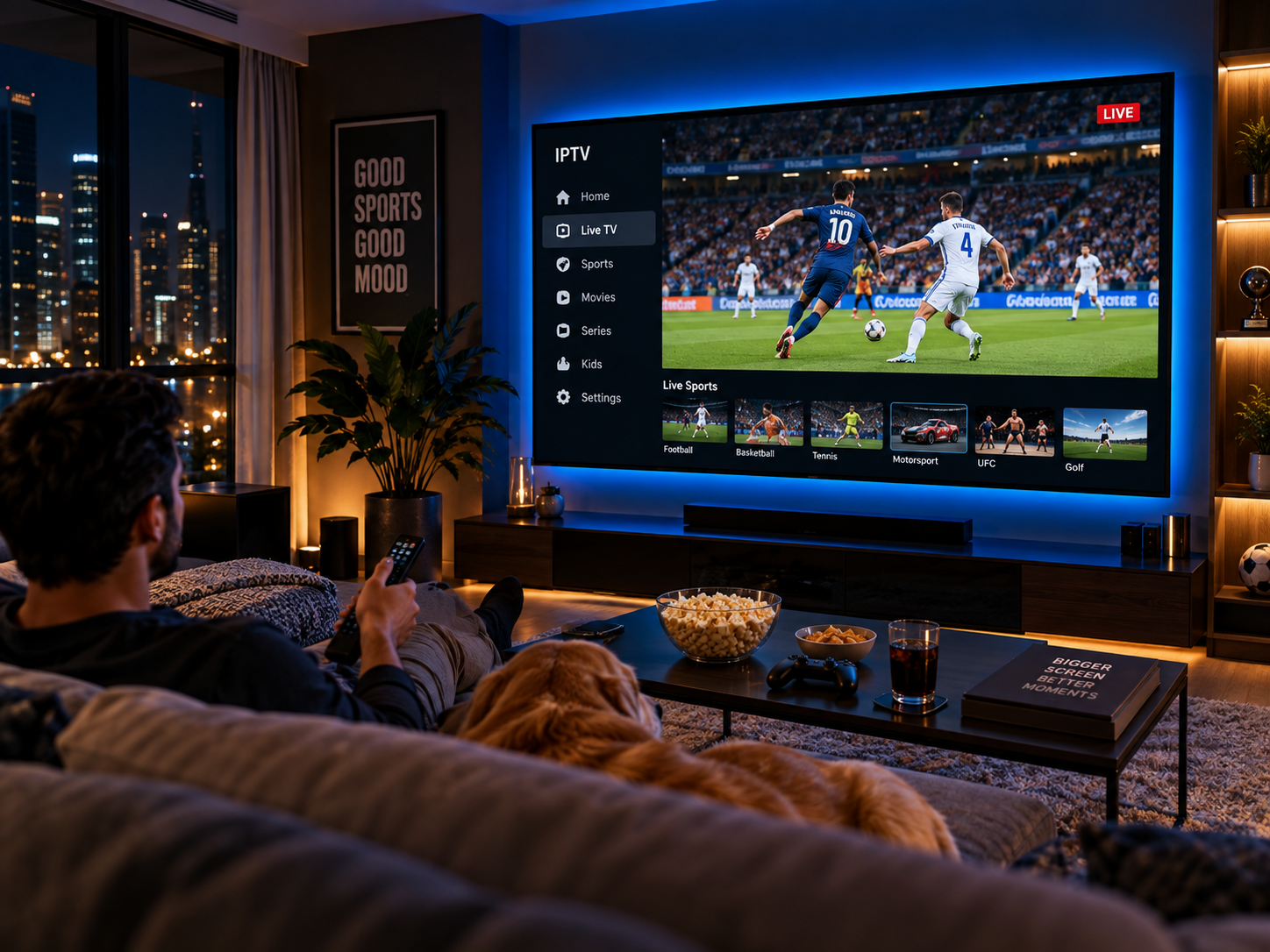
Television technology continues to evolve, bringing improvements in picture quality, sound, connectivity, streaming applications, and interactive features. A television setup that works well today may eventually need upgrades as new devices and entertainment services become available. Planning ahead can help households avoid unnecessary replacement costs and make it easier to adopt useful improvements over time.
Building a flexible setup does not require purchasing the most expensive equipment or predicting every technological development. Instead, it involves choosing compatible devices, understanding connection standards, maintaining a reliable internet network, and considering how the household's viewing habits may change. With a little preparation, consumers can create an entertainment system that remains practical as technology develops.
1. Consider How Future Technology May Affect Your Needs
Before buying a television or replacing existing equipment, consider how your entertainment requirements could change over the next few years. A household that mainly watches standard television today might later become interested in high-resolution streaming, gaming, interactive content, or advanced audio systems.
Planning for these possibilities can help you choose equipment that supports a wider range of uses. Exploring future technology trends can also help consumers understand which developments may influence everyday television use, including improvements in streaming quality, device connectivity, and software features.
Think about the features that would be useful rather than purchasing every new option available. For example, a household that regularly watches films may prioritise picture quality and audio compatibility, while someone who plays games may care more about refresh rates, input responsiveness, and suitable connection ports.
It is also worth considering how long you expect to keep the television. A device intended to last several years should ideally offer enough flexibility to support common accessories and evolving entertainment requirements.
2. Choose a Television With Suitable Connectivity
Connection options can determine how easily a television works with future devices. Even when the screen itself remains in good condition, limited ports or outdated connectivity can make it difficult to add newer equipment.
HDMI is particularly important because it connects many streaming devices, game consoles, soundbars, and media players. Before purchasing a television, check the number of available HDMI ports and whether they support the features you expect to use.
For instance, HDMI 2.1 includes support for features such as higher bandwidth and certain high-refresh-rate formats, although the capabilities available depend on the specific television port and connected device. Not every household needs these features, but understanding them can help avoid buying equipment that limits future options.
Other connections may also matter. USB ports can support compatible accessories, while optical audio outputs or HDMI eARC may be useful for particular sound systems. Wireless connectivity can reduce cable clutter, but it should not replace checking the physical connections you need.
Always review the manufacturer's specifications rather than relying solely on the product name or general marketing descriptions. Some televisions provide advanced features through only selected ports, so the exact configuration matters.
3. Build a Reliable Home Network
Internet connectivity has become central to modern television. Streaming applications, software updates, connected devices, and online entertainment services all depend on a network that can deliver data consistently.
A future-ready setup should account for both current streaming demands and the possibility of using more connected devices later. Multiple televisions, smartphones, tablets, computers, and smart-home equipment may share the same network, particularly in busy households.
Start by evaluating Wi-Fi coverage in the rooms where televisions are used. Weak signals can cause buffering, reduced video quality, and interruptions even when the internet package offers high speeds.
Several practical improvements can help:
-
Position the router carefully: Keep it in a central, open location when possible.
-
Consider wired networking: Ethernet can provide a stable connection for devices near the router.
-
Improve coverage: A suitable mesh Wi-Fi system or access point may help in larger homes.
-
Review bandwidth requirements: Consider how many people may stream high-resolution video simultaneously.
-
Check router capabilities: Make sure the equipment supports the wireless standards and security features appropriate for your needs.
Internet service requirements may increase as video formats and connected entertainment options evolve. However, a reliable connection and good coverage are often just as important as purchasing the highest advertised speed.
4. Keep Streaming Devices Separate From the Television Screen
One advantage of a flexible television setup is the ability to upgrade individual components without replacing everything. Smart TV applications and operating systems can change considerably over time, and older televisions may eventually stop receiving updates or supporting certain services.
An external streaming device can sometimes extend the useful life of an otherwise capable television. Streaming sticks, media boxes, and compatible gaming consoles may provide access to applications and features that are missing from the built-in system.
When choosing an external device, check its operating system, supported applications, video formats, network requirements, and expected software support. It should also work with the television's available connections.
This approach creates a useful separation between the screen and the software used to deliver entertainment. If the built-in interface becomes outdated, you may be able to replace the streaming device instead of buying a completely new television.
However, external devices cannot overcome every limitation. They will not turn a screen into a higher-resolution display than its hardware supports, and some advanced picture or audio features may require compatible equipment throughout the system.
5. Plan for Picture and Sound Improvements
Television displays continue to develop through improvements in resolution, contrast, brightness, colour reproduction, and refresh rates. Sound systems are evolving as well, with support for immersive audio formats and more flexible speaker arrangements.
A future-ready setup should balance these possibilities against the room, viewing distance, and budget. Buying a screen with features that will never be used may provide little practical value, while choosing equipment with too few capabilities could create avoidable limitations.
For picture quality, consider whether the television supports the formats you regularly watch and whether its screen size suits the room. Higher resolution can provide additional detail, but the benefit also depends on screen size, viewing distance, and the quality of the source material.
For audio, check whether the television supports the soundbar or receiver you may want to use later. HDMI eARC can be useful for transmitting supported high-quality audio formats between compatible devices.
It is not necessary to purchase an advanced audio system immediately. Planning for suitable connections and sufficient space can make it easier to add speakers or a soundbar when the need arises.
6. Consider Software Updates, Compatibility, and Security
Modern televisions are connected devices that use software to deliver applications, manage settings, and communicate with online services. Their long-term usefulness therefore depends partly on how well manufacturers maintain the software.
Before purchasing a smart TV, review its update policy and check whether essential applications are available on the platform. A device with an attractive screen may become less convenient if its operating system receives limited support or important applications stop working.
Security deserves attention as well. Connected televisions may store account information, access streaming profiles, and communicate with other devices on the home network.
To maintain a safer setup:
-
Install official software and firmware updates when appropriate.
-
Use strong, unique passwords for relevant accounts.
-
Review privacy settings and application permissions.
-
Disable features you do not use when practical.
-
Connect devices to a secure home network.
-
Check whether the manufacturer continues to support the device.
No connected device remains fully protected without ongoing maintenance. Choosing equipment with a reasonable support history and following basic security practices can help reduce avoidable problems.
7. Organise Cables, Power, and Physical Space
Future upgrades are easier when the television area is organised from the beginning. A setup with inaccessible ports, tangled cables, and insufficient space can make even a simple equipment change frustrating.
Before installing the television, consider where the router, streaming devices, consoles, speakers, and power connections will be located. Leave enough room to access frequently used ports and avoid placing equipment where ventilation is restricted.
Cable management can make the arrangement tidier and reduce the risk of accidental disconnections. Labelled cables may also help identify which device is connected to each television input.
Power requirements should be considered before adding more equipment. Use appropriately rated power accessories and avoid overloading outlets or power strips. For wall-mounted televisions, ensure the mount is suitable for the screen's weight and dimensions, and arrange cables in a way that does not create hazards.
If you expect to add equipment later, leave reasonable space for it. A small amount of planning now can prevent the need to rearrange the entire entertainment area whenever a new device is introduced.
8. Set a Realistic Upgrade Budget
Technology changes quickly, but replacing equipment whenever a new feature appears is rarely necessary. A practical budget should prioritise upgrades that improve daily use rather than every available specification.
Start by identifying the limitations of your current setup. If streaming interruptions are the main problem, improving Wi-Fi coverage may be more effective than buying a new television. If applications are no longer supported, an external streaming device may provide a more affordable solution.
You can divide possible upgrades into three categories:
-
Immediate needs: Fix unreliable connectivity, damaged cables, or unsupported applications.
-
Useful improvements: Add better audio, improve network coverage, or introduce a more capable streaming device.
-
Optional future upgrades: Consider advanced display formats, gaming features, or expanded audio equipment when they become relevant.
This approach helps spread costs over time while keeping the system functional. It also leaves room to reassess your priorities as prices, standards, and personal preferences change.
Conclusion
Planning a television setup that can adapt to future technology is mainly about flexibility, compatibility, and sensible investment. Choosing suitable connections, maintaining reliable internet access, considering external streaming devices, and reviewing software support can help households keep their entertainment systems useful for longer.
Not every new feature will be necessary, and the best setup depends on how you watch television, the equipment you already own, and your budget. By focusing on practical needs and leaving room for future upgrades, you can create a system that evolves gradually without requiring a complete replacement every time technology advances.

 Arabic
 French
 Spanish
 Portuguese
 Deutsch
 Turkish
 Dutch
Dutch
 Italiano
 Russian
 Romaian
 Portuguese (Brazil)
 Greek
Greek