
IPTV Over 4G and 5G in Finland: What to Know Before Streaming
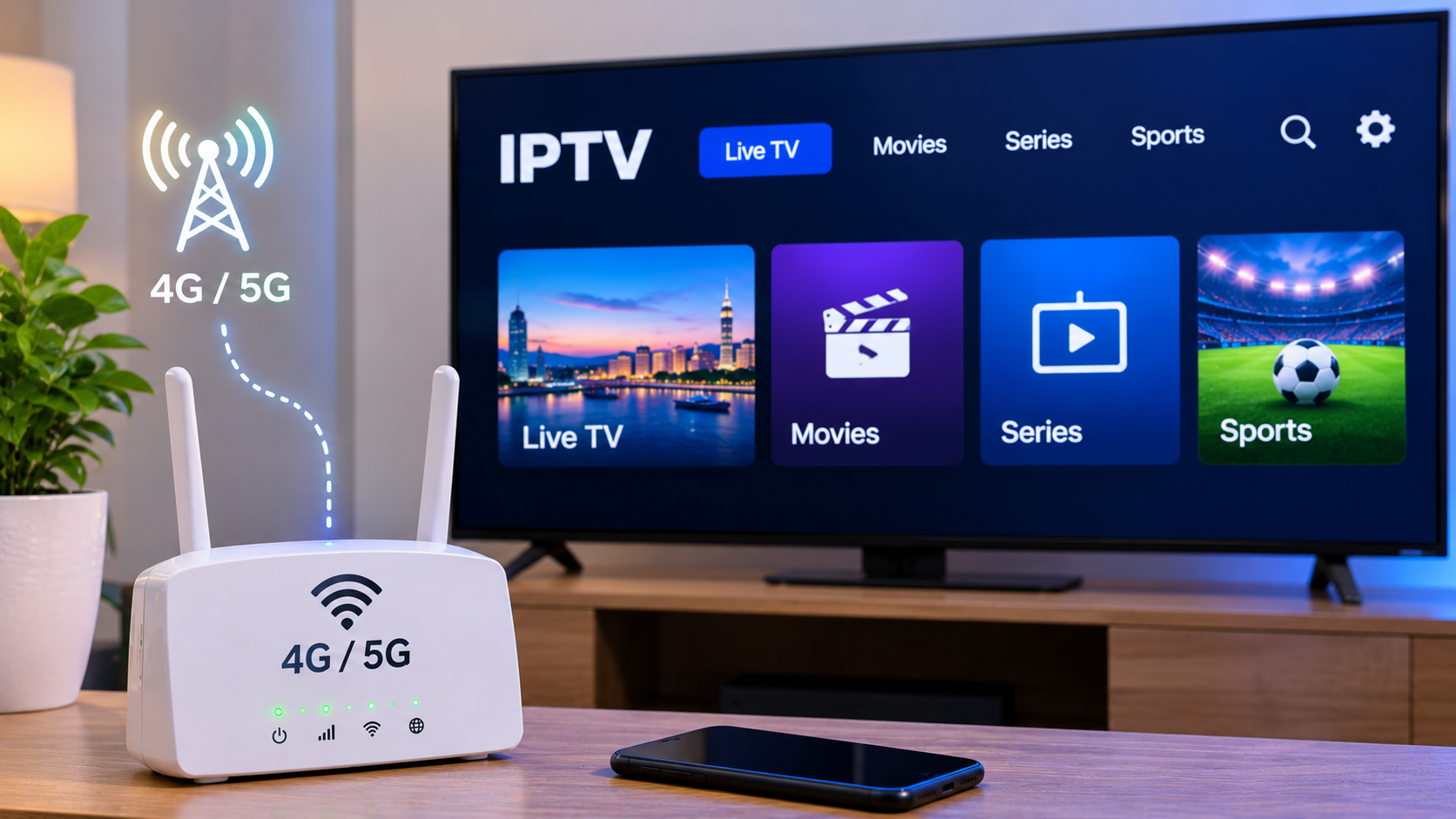
Fixed broadband is not the only way to watch internet television. In many homes, especially where fibre or cable connections are limited, 4G or 5G mobile broadband can also be used for IPTV.
For viewers in Finland, this can be a practical option because mobile networks are widely used for everyday internet access. Still, IPTV over a mobile connection behaves differently from streaming through a fixed line. Signal strength, network congestion, router placement, data limits, and video quality can all affect the experience.
Understanding these factors can help you decide whether mobile broadband is suitable for regular IPTV viewing.
Can IPTV Work Over 4G or 5G?
Yes, IPTV can work over a 4G or 5G internet connection if the connection is fast and stable enough for continuous video streaming.
The IPTV player does not usually care whether the internet connection comes from:
-
Fibre
-
Cable
-
DSL
-
4G
-
5G
-
Another compatible broadband connection
What matters most is whether the network can deliver the stream consistently.
A mobile connection with strong performance can handle IPTV well, while a weak or congested connection may cause buffering even if occasional speed tests look fast.
Stability Matters More Than Peak Speed
Mobile broadband speeds can change throughout the day.
A 5G connection might perform very well at one moment and slow down later when more people in the area are using the same network.
For IPTV, a consistent connection is usually more useful than an impressive maximum speed.
Common signs of instability include:
-
Repeated buffering
-
Sudden picture-quality changes
-
Slow channel loading
-
Temporary freezes
-
Streams stopping unexpectedly
If these problems appear only during certain hours, local network congestion may be involved.
4G Can Still Be Enough
5G receives most of the attention, but 4G can still be perfectly usable for IPTV.
A stable 4G connection may provide a better viewing experience than an unstable 5G signal.
The actual result depends on factors such as:
-
Distance from the mobile tower
-
Signal strength
-
Network traffic
-
Router quality
-
Indoor coverage
There is no need to upgrade equipment simply because 5G is newer if the existing 4G connection already performs reliably.
Why 5G Can Be Useful
When good coverage is available, 5G can provide higher speeds and additional capacity.
This can be useful in households where several devices are active at the same time.
For example, one person may be watching IPTV while someone else is:
-
Gaming online
-
Watching another streaming service
-
Joining a video meeting
-
Downloading files
-
Using social media
A strong 5G connection may handle this combination better than a congested older mobile connection.
However, the result still depends on local network conditions.
Router Placement Makes a Big Difference
Mobile broadband routers rely on radio signals from nearby network infrastructure.
Placing the router in the wrong part of the home can significantly reduce performance.
A useful starting point is to test different locations.
Try positioning the router:
-
Near a window
-
Higher in the room
-
Away from thick walls
-
Away from large metal objects
-
Away from other electronic equipment
Even moving a router a few metres can sometimes change signal quality.
Test Several Locations Before Settling on One
Do not assume the first router location is the best.
Run speed tests in different areas of the home and compare the results.
More importantly, test actual streaming performance.
A location that gives the highest peak speed is not always the one that provides the most stable IPTV playback.
Consistency during longer viewing sessions matters more.
Use Ethernet Inside the Home
Even when the internet connection itself comes through 4G or 5G, the television or streaming box can still connect to the mobile router using Ethernet.
This can be a good setup.
The mobile network handles the connection from the home to the internet, while Ethernet handles the final connection between the router and TV.
This reduces the chance of Wi-Fi inside the home becoming an additional source of instability.
Ethernet can be particularly useful for:
-
Smart TVs
-
Android TV boxes
-
Apple TV
-
Desktop computers
-
Other fixed streaming devices
Wi-Fi Can Work Well Too
A wired connection is not always practical.
If the television is in another room, Wi-Fi may be the simplest option.
In that case, make sure the streaming device receives a strong signal from the mobile broadband router.
The same basic Wi-Fi rules apply:
-
Keep obstacles to a minimum
-
Avoid hiding the router inside furniture
-
Test 2.4 GHz and 5 GHz Wi-Fi
-
Reduce interference where possible
Remember that two wireless connections are involved: the router connects wirelessly to the mobile network, and the television may also connect wirelessly to the router.
Both need to perform well.
2.4 GHz vs 5 GHz Home Wi-Fi
This choice refers to the local Wi-Fi connection between your devices and router, not the 4G or 5G mobile network itself.
2.4 GHz Wi-Fi
2.4 GHz generally provides longer range and can pass through walls more effectively.
It may work better if the television is far from the router.
5 GHz Wi-Fi
5 GHz usually provides faster local performance at shorter distances.
It can be a good choice when the router and streaming device are in the same room.
Testing both is the easiest way to find the better option for a particular home.
Mobile Data Usage Can Be Significant
IPTV is video streaming, so it can use a substantial amount of data.
Higher resolutions generally consume more data than lower resolutions.
Households using mobile broadband should check whether their plan includes:
-
Unlimited data
-
Monthly limits
-
Speed restrictions after a certain amount of usage
-
Fair-use policies
A connection that works technically may still become expensive or restricted if the plan is not suitable for heavy streaming.
Watch for Speed Throttling
Some mobile plans may reduce speeds after certain usage levels or under particular network conditions.
This can affect IPTV.
If streaming works well at the beginning of the billing period but later becomes noticeably slower, check the mobile plan terms and account usage.
Do not immediately assume that the IPTV application is responsible.
Match Stream Quality to the Connection
Choosing the highest available resolution is not always the best idea on mobile broadband.
A Full HD stream that plays continuously can be more enjoyable than a 4K stream that repeatedly buffers.
If the connection becomes unstable, lowering the video quality may help.
This is particularly useful when:
-
Signal strength is weak
-
Several devices share the connection
-
The network is busy
-
You are travelling
-
Data usage matters
Video quality should match the real connection rather than the maximum capability of the television.
Evening Congestion Can Affect Performance
Mobile networks are shared.
During busy evening hours, many people may be using the same network infrastructure at the same time.
This can result in lower speeds or increased latency.
If IPTV works perfectly in the morning but struggles every evening, the problem may be network congestion rather than the TV or IPTV player.
Test performance at different times of day before changing equipment.
External Antennas May Help in Some Locations
Some mobile broadband routers support external antennas.
These may help when indoor mobile signal quality is poor.
However, antennas should not be treated as an automatic solution.
Before buying additional equipment, check:
-
Current signal strength
-
Router placement
-
Whether the router supports external antennas
-
Whether the issue is actually mobile signal rather than local Wi-Fi
If the connection already receives a strong signal, an antenna may provide little benefit.
IPTV on a Phone Using Mobile Data
Smartphones can also run compatible IPTV applications directly over 4G or 5G.
This can be useful when away from home.
However, long viewing sessions may use significant mobile data and battery power.
For occasional viewing, a phone can be convenient.
For regular television use at home, a dedicated router and larger screen will usually provide a more comfortable setup.
Using IPTV Through a Mobile Hotspot
A smartphone hotspot can temporarily provide internet access to a Smart TV, laptop, or streaming device.
This may be useful when:
-
Fixed broadband is unavailable
-
The main router fails
-
You are travelling
-
You need a temporary connection
It is less ideal as a permanent setup because the phone has to handle both the mobile connection and Wi-Fi sharing.
Battery drain, heat, and data usage can also become issues.
Travelling With Mobile IPTV
Mobile broadband can make IPTV more flexible when travelling within Finland or elsewhere.
A laptop, tablet, phone, or compact streaming device can connect through a mobile hotspot or portable router.
The viewing experience will depend on the local network.
A strong connection at home does not guarantee the same result in another location.
Users should also check whether their IPTV service or particular content has geographic restrictions.
Smart TV Compatibility Still Matters
A good internet connection does not help if the IPTV application is not compatible with the television.
Before choosing a service, check whether it supports the devices you already own.
Common platforms include:
-
Samsung Smart TV
-
LG Smart TV
-
Android TV
-
Google TV
-
Fire TV
-
Apple TV
-
Windows
-
Mac
-
Smartphones and tablets
Finnish viewers comparing IPTV services, supported devices, and setup information can review Nordic One IPTV when researching options for internet-based television across different platforms.
Test the Network Before Changing the IPTV App
When buffering appears, users often switch applications immediately.
That may not solve anything if the mobile connection is the real problem.
Start by testing another streaming service.
If YouTube, a legitimate streaming platform, and IPTV all buffer at the same time, the connection deserves attention first.
If everything else works well and only one application has trouble, investigate the player separately.
Restarting the Router Can Help
Mobile routers remain connected for long periods and may occasionally benefit from a restart.
If performance suddenly becomes worse than normal, restart the router and allow it to reconnect to the mobile network.
This may establish a better connection.
However, constant restarting should not be necessary.
If the router needs to be rebooted every day, investigate signal quality, firmware, or hardware issues.
Keep Router Firmware Updated
Router manufacturers and mobile operators may release software updates that improve:
-
Network stability
-
Security
-
Device compatibility
-
Performance
Check whether the router updates automatically.
If manual updates are required, use the official management interface or instructions from the manufacturer or mobile operator.
Avoid installing unknown firmware simply to chase higher speeds.
Multiple IPTV Streams Require More Capacity
A single television may work perfectly over mobile broadband, while two or three simultaneous streams create problems.
Every active stream consumes additional bandwidth.
Before planning IPTV across several televisions, test how the connection performs under realistic household conditions.
You may need to consider:
-
Number of simultaneous viewers
-
Video resolution
-
Other internet activity
-
Mobile network capacity
A multi-device household places much greater demand on the connection than one television.
Do Not Ignore Latency and Packet Loss
Internet speed gets most of the attention, but it is not the only network measurement that matters.
Packet loss and unstable latency can also affect real-time streaming.
A connection may show high download speeds while still producing occasional freezes.
If IPTV is unreliable despite strong speed-test results, connection stability may be the more important issue.
Keep Account Details Private
Testing mobile broadband does not require exposing IPTV credentials.
Do not share:
-
M3U playlist URLs
-
Usernames
-
Passwords
-
Private server details
-
Account information
If technical support is required, describe the connection and device problem without posting sensitive login data publicly.
IPTV and Content Rights Are Separate Issues
4G and 5G simply provide internet connectivity.
They do not determine whether a television stream is authorized.
When choosing an IPTV service, users should separately consider whether the content is offered with appropriate distribution rights for their location.
Technical performance and content licensing are different questions.
Is Mobile Broadband Right for IPTV?
Mobile broadband can be a good option when:
-
Fixed broadband is unavailable
-
4G or 5G coverage is strong
-
The mobile plan supports heavy data use
-
Network performance remains stable
-
The household does not overload the connection
It may be less suitable when signal quality is inconsistent or the network becomes heavily congested every evening.
The best way to judge suitability is to test the connection under normal household conditions.
Final Thoughts
IPTV can work well over both 4G and 5G in Finland, but mobile broadband needs to be judged by stability rather than headline speed alone.
Start with good router placement, test the connection at different times of day, and use Ethernet between the router and television when practical. Check data limits, monitor network congestion, and choose a video resolution the connection can handle consistently.
A strong 4G connection can sometimes outperform unstable 5G, while a properly positioned 5G router can provide enough capacity for several connected devices.
The right setup depends on the home, network coverage, streaming habits, and the devices being used. Testing those factors individually is the simplest way to build a reliable mobile IPTV setup.

 English
 Arabic
 French
 Spanish
 Portuguese
 Deutsch
 Turkish
 Italiano
 Russian
 Romaian
 Portuguese (Brazil)
 Greek